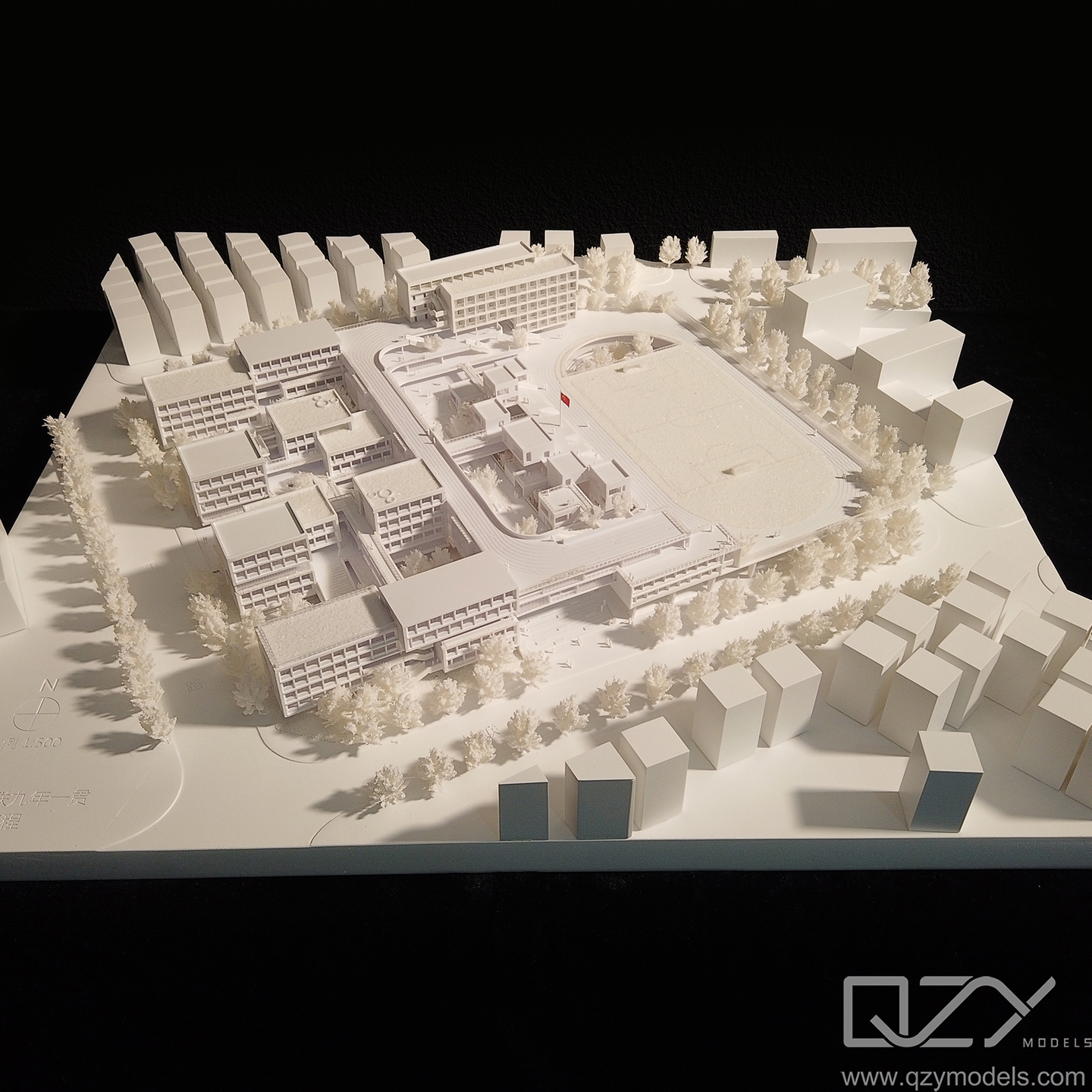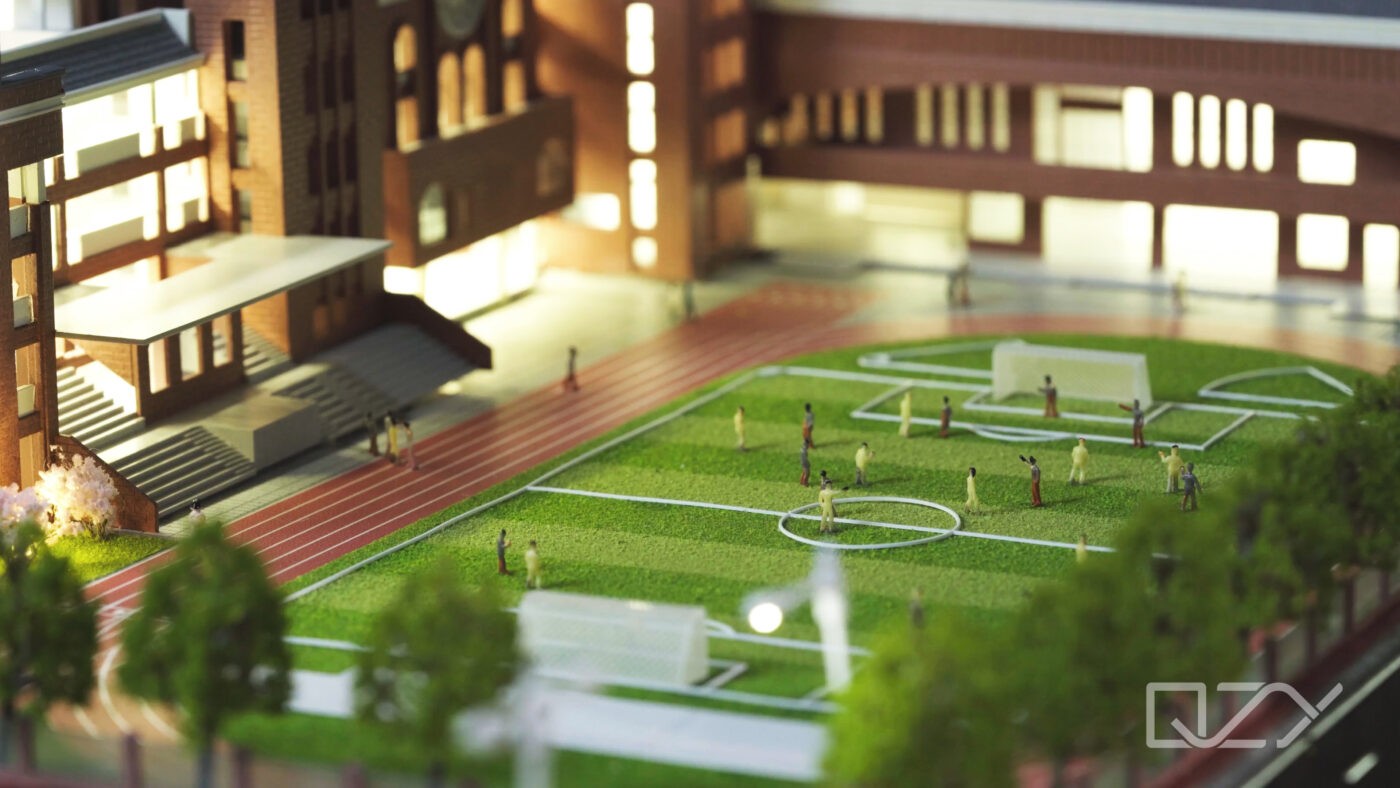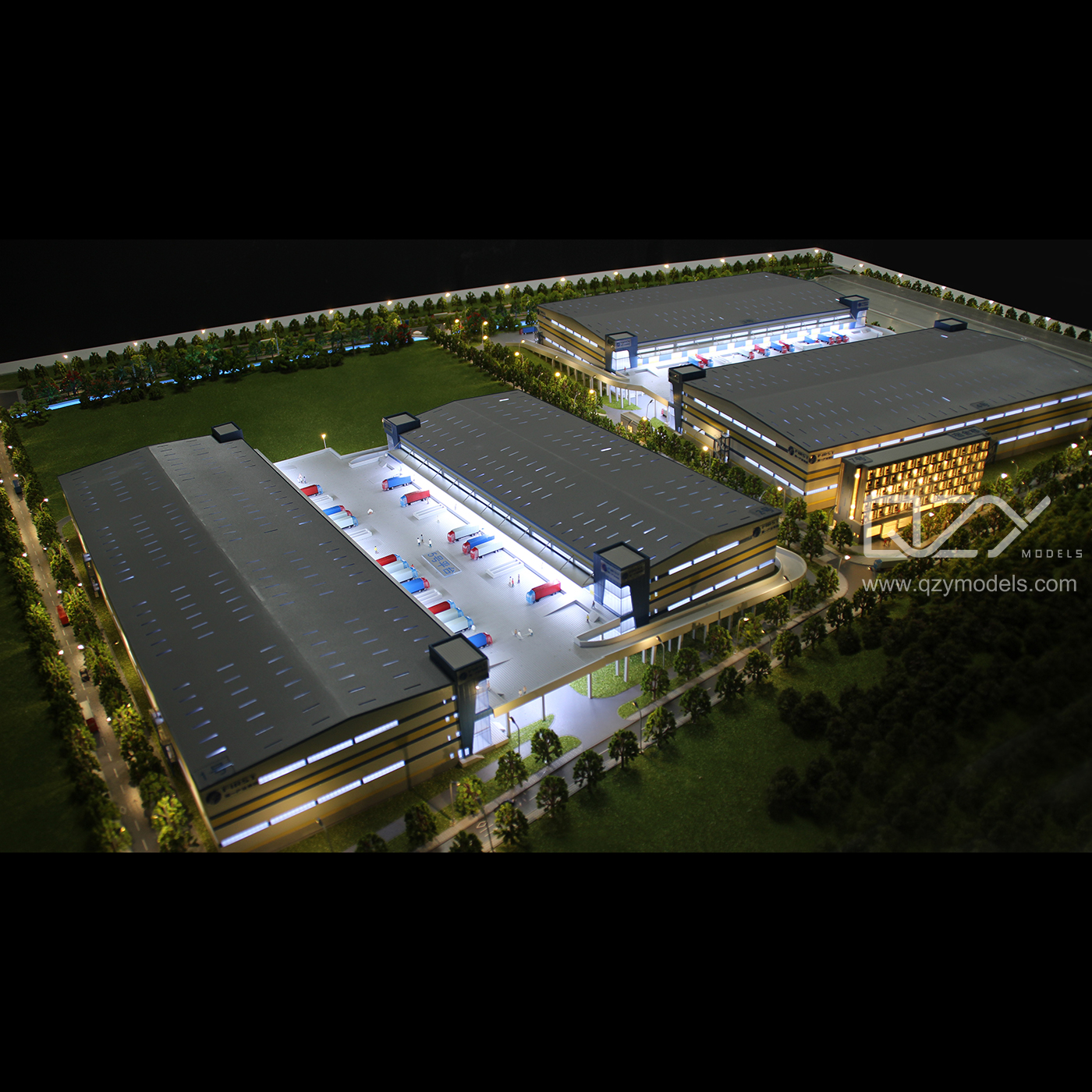
A 3D airport model digitally represents terminals, runways, control towers, and surrounding infrastructure, providing architects, planners, and developers with tools for realistic visualization, simulations, and presentations. These models range from simple layouts to photorealistic renders. QZY Models excels in transforming these digital assets into accurate physical scale models, offering immersive, detailed representations for exhibitions, client pitches, and urban planning projects.
What Is a 3D Model of an Airport?
A 3D airport model is a detailed digital or physical representation of an airport, including runways, terminals, hangars, taxiways, and air traffic control towers. It allows professionals to simulate operations, test designs, and communicate plans visually. QZY Models specializes in converting these digital 3D designs into precise physical models that capture both scale and realism, helping developers, architects, and urban planners present projects convincingly.
These models can be low-poly for digital simulations or high-detail for professional presentations. QZY Models’ expertise ensures that every physical model maintains fidelity to the original digital files.
| Airport 3D Model Types | Purpose | Example Software |
|---|---|---|
| Low-Poly | Games, quick visualizations | Unity, Unreal Engine |
| Mid-Poly | Training, education | Blender, SketchUp |
| High-Poly | Architectural presentations | 3ds Max, Rhino |
| Photorealistic | Marketing, exhibitions | V-Ray, Lumion |
QZY Models customizes physical versions of these models, ensuring client-specific details are accurately represented.
Why Create a 3D Model of an Airport?
Creating a 3D airport model helps visualize complex infrastructure, facilitates stakeholder approvals, and identifies potential design issues early. QZY Models transforms digital designs into physical models that impress clients and authorities.
Benefits include:
-
Virtual walkthroughs for project evaluation
-
Cost savings through early error detection
-
Clearer communication between architects, planners, and investors
-
Regulatory and safety simulations for aviation authorities
QZY Models founder Richie Ren highlights that precision and attention to detail make these models invaluable for urban development projects, particularly in international markets such as the Middle East.
How to Create a 3D Model of an Airport?
Building a 3D airport model starts with collecting blueprints, photos, and satellite imagery. Using modeling software, designers create terrain, runways, and terminals, apply textures, and optimize for rendering or VR. QZY Models then transforms these digital models into high-precision physical replicas suitable for presentations, exhibitions, or trade shows.
Step-by-Step Process:
-
Research & Reference: Collect all available airport plans and imagery.
-
Base Modeling: Build terrain and runway surfaces using extrusion and mesh tools.
-
Structures: Model terminals, control towers, hangars, and additional buildings.
-
Texturing: Apply realistic materials and lighting for photorealism.
-
Optimization: Reduce polygons for digital efficiency.
-
Animation & Simulation: Include dynamic elements like planes or lighting if needed.
QZY Models integrates client 3D files into detailed physical models, combining technology with craftsmanship.
What Software Is Best for Airport 3D Models?
Top choices include Blender (free and versatile), SketchUp (intuitive for architectural workflows), and 3ds Max (advanced rendering). Unity is ideal for interactive simulations.
| Software | Advantages | Best For | Learning Curve |
|---|---|---|---|
| Blender | Free, robust features | All levels | Medium |
| SketchUp | Rapid prototyping | Architects | Low |
| 3ds Max | High-end rendering | Professionals | High |
| Unity | Interactive simulations | Training and games | Medium |
QZY Models recommends exporting from these platforms to STL or OBJ formats for 3D printing or CNC fabrication, ensuring hybrid digital-to-physical model workflows.
Where to Find Free 3D Airport Models?
Platforms like Sketchfab, TurboSquid, and CGTrader offer downloadable 3D airport models. Always verify licensing before commercial use. QZY Models can take these digital assets and create fully customized physical models for exhibitions, schools, or private collectors.
Which Details Make Airport 3D Models Realistic?
Include runway markings, taxiways, gates, baggage systems, lighting, and aircraft. Utilize HDRI skies, realistic textures, and accurate scaling (commonly 1:500–1:1000). LiDAR scans and photogrammetry improve terrain fidelity. QZY Models replicates these details physically, using LED lighting and dynamic elements to enhance realism for presentations.
How Much Does a Custom 3D Airport Model Cost?
Pricing varies from $500 for simple digital models to over $50,000 for large, highly detailed physical replicas. Factors include scale, material choice, lighting, and complexity. QZY Models offers competitive rates while maintaining quality and precision for international clients.
Pricing Factors:
-
Model dimensions and scale
-
Material selection (acrylic, wood, metal)
-
Lighting and animation features
-
Rush or customized delivery requirements
QZY Models Expert Views
“Creating physical 3D airport models blends engineering precision with design artistry. Starting from client blueprints or digital files, every component is laser-cut for millimeter accuracy. LED lighting recreates night operations, and moving aircraft add realism. Our Shenzhen facility, supported by international branches, ensures timely delivery. These models help developers secure investments and communicate designs effectively.” – Richie Ren, Founder, QZY Models
How Does QZY Models Elevate Airport Model Projects?
QZY Models converts digital airport files into accurate, interactive physical models. Their process includes consultation, prototyping, refinement, and delivery. Over 20 years of experience ensure attention to intricate details like working conveyor belts or realistic lighting. Clients benefit from a visually compelling tool to communicate complex designs to stakeholders globally.
Conclusion
3D airport models are essential tools for planning, presentations, and stakeholder engagement. Professionals should leverage software like Blender for digital creation and partner with QZY Models for precise physical prototypes. Actionable advice: start with reference assets, integrate detailed textures, and collaborate with experts like QZY Models to ensure accurate, visually compelling results.
FAQs
Can I use free 3D airport models commercially?
Yes, if the license allows. Always confirm terms to avoid legal issues.
How long does it take to build a detailed 3D airport model?
Basic models: 1–2 weeks; complex photorealistic or physical models: 1–3 months.
Are physical airport models durable for exhibitions?
Yes, QZY Models uses durable materials like acrylic and metal to withstand transportation and repeated display.
What is the ideal scale for airport physical models?
Common scales range from 1:500 to 1:1000, balancing detail with display space.
Does QZY Models handle international shipping?
Absolutely. With branches in UAE, Saudi Arabia, and Egypt, they provide global delivery for clients.