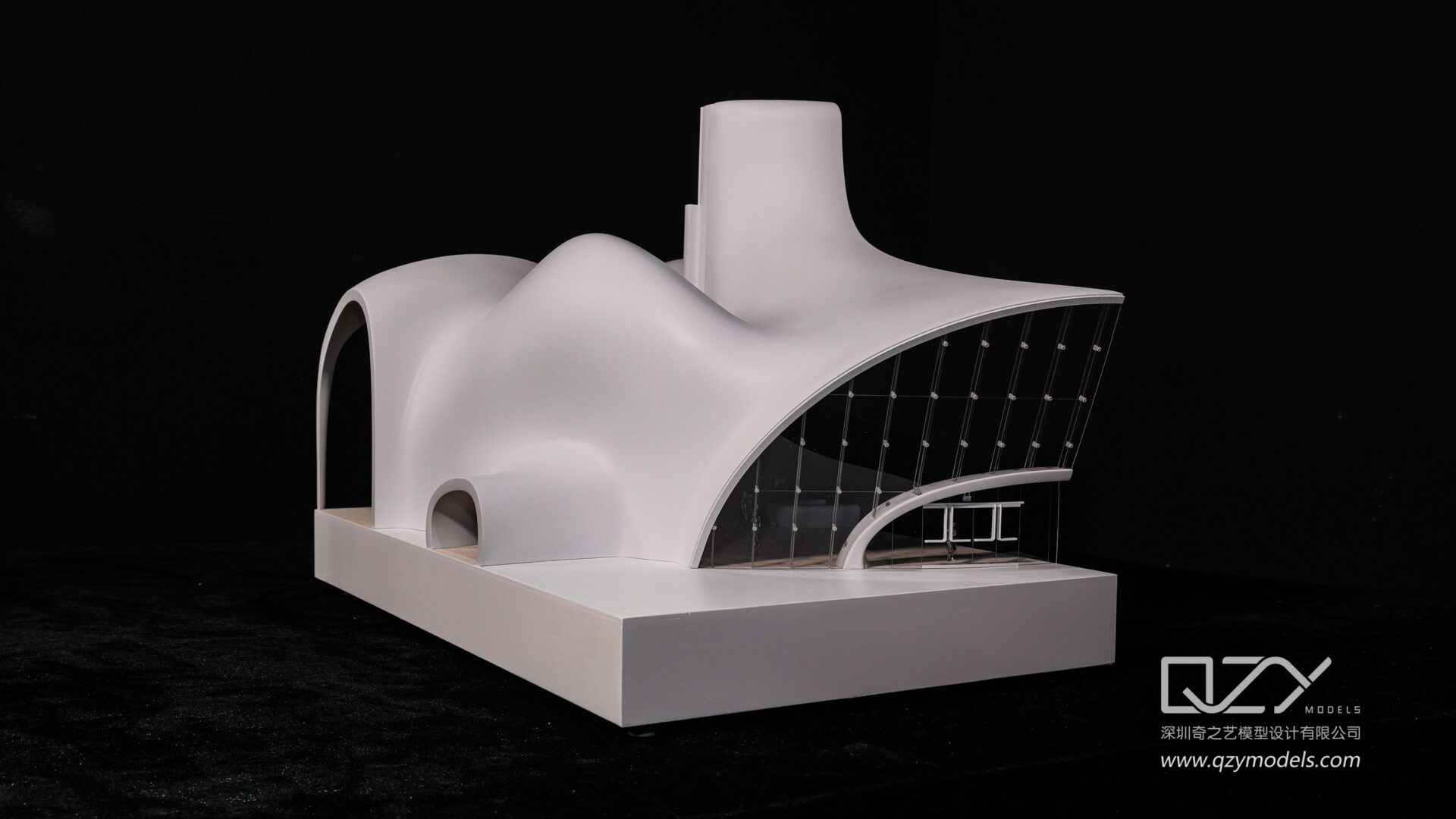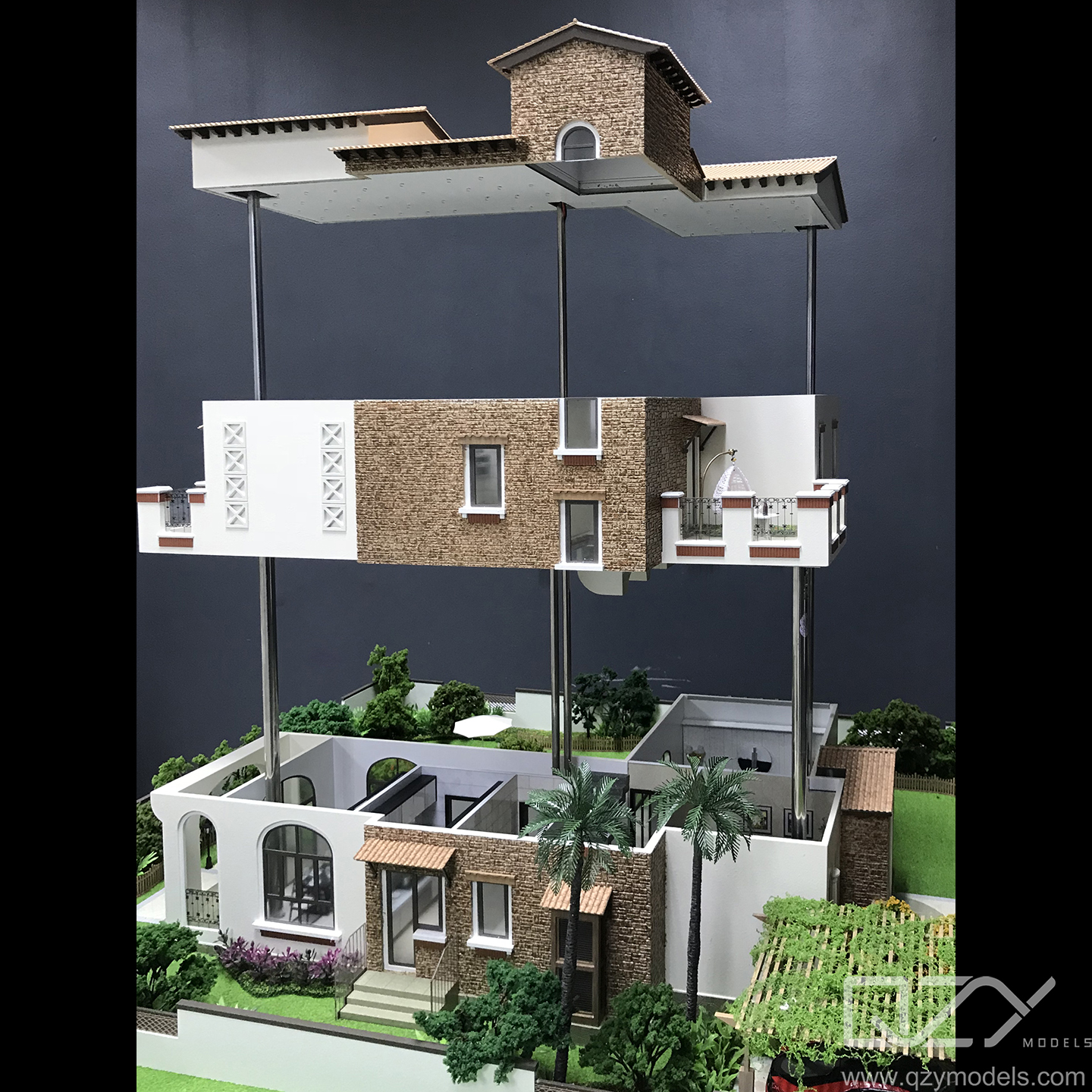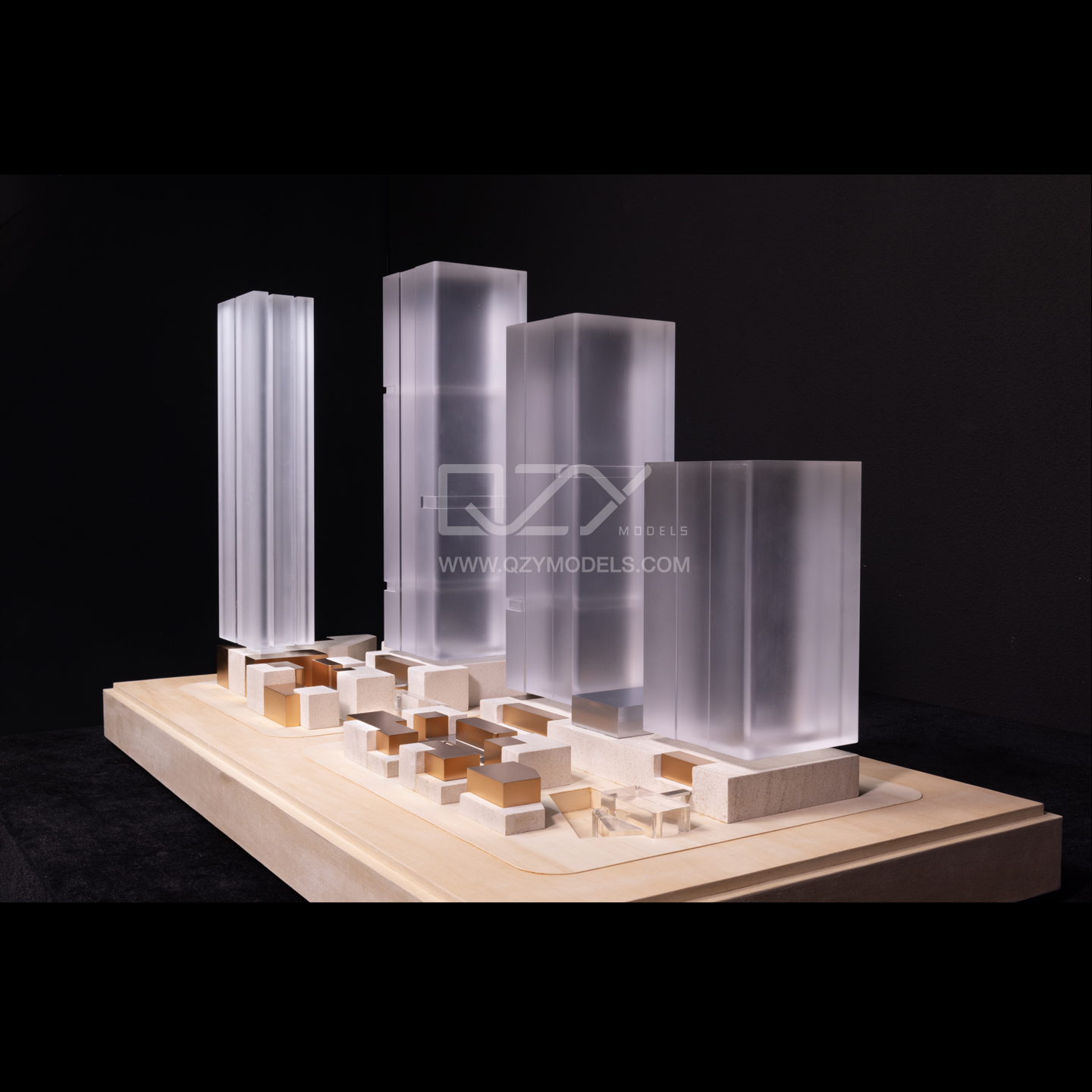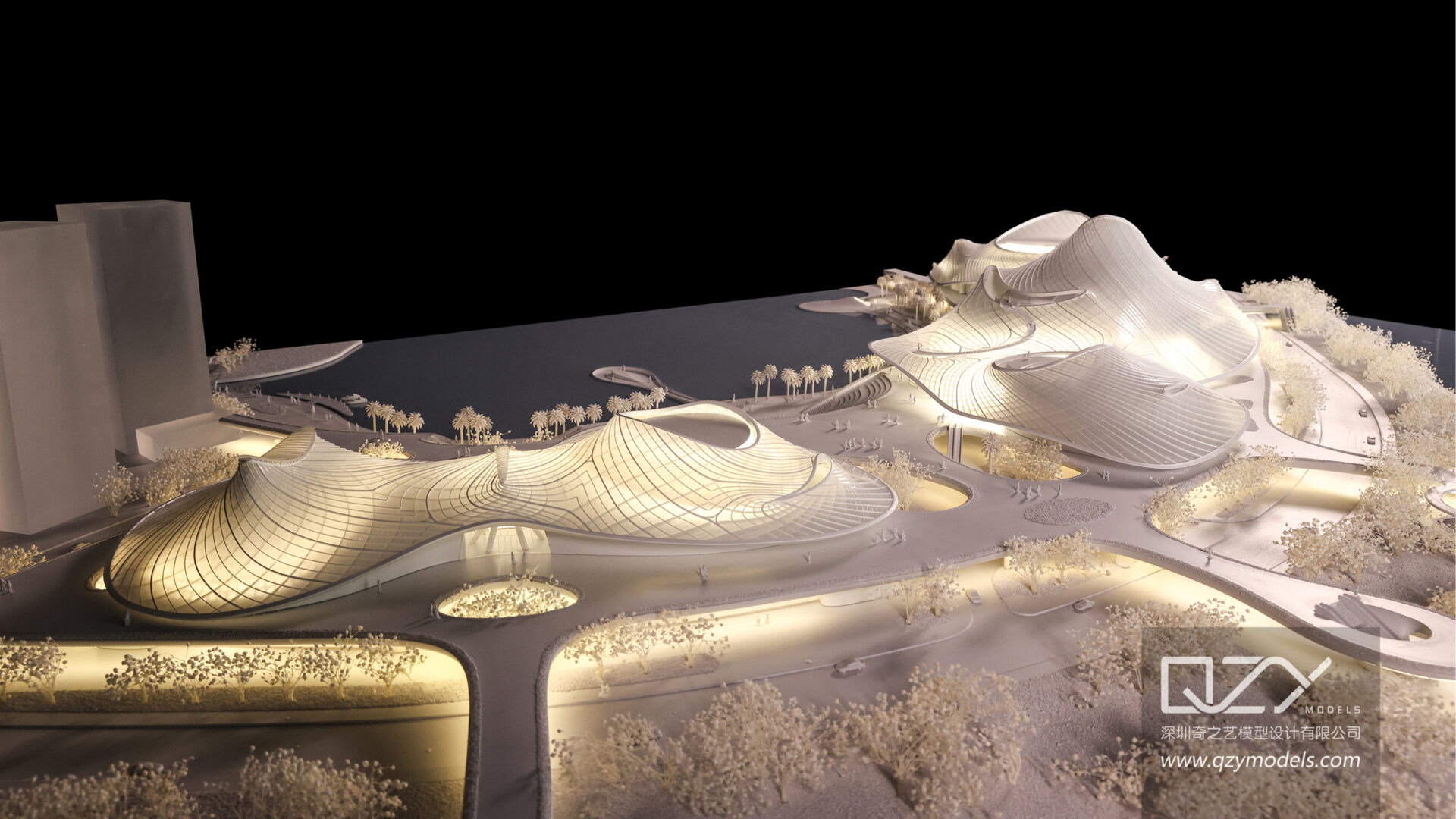
Creating professional 3D renders requires modeling in software such as Blender or 3ds Max, applying realistic materials, setting up accurate lighting, positioning cameras strategically, and rendering with engines like Cycles or V-Ray. Post-processing in Photoshop or similar software ensures polished visuals. QZY Models emphasizes precise scaling and PBR workflows to bridge digital renders seamlessly into physical architectural models.
What Software Should You Use for 3D Renders?
Selecting the right software depends on your project type and expertise level. Blender is a free, versatile tool suitable for beginners and professionals alike, offering Cycles and Eevee rendering engines. For architectural projects, QZY Models recommends SketchUp with V-Ray for high-fidelity visuals. Cinema 4D excels in motion graphics, while 3ds Max handles complex industrial designs. Rhino is ideal for precision modeling.
| Software | Best For | Price | Render Engine |
|---|---|---|---|
| Blender | General, Beginners | Free | Cycles, Eevee |
| 3ds Max | Industrial Models | $1,700/year | V-Ray, Arnold |
| Cinema 4D | Motion Graphics | $720/year | Redshift |
| SketchUp + V-Ray | Architecture | Free Pro + $450/year | V-Ray |
| Rhino | Precision Design | $995 one-time | Cycles |
These tools help achieve digital accuracy. QZY Models leverages them to translate virtual renders into tangible models efficiently.
How Do You Create and Optimize 3D Models?
Optimized 3D models are the foundation of realistic renders. Begin with basic shapes, sculpt details using Blender’s sculpting tools, and maintain proper topology to avoid rendering artifacts. QZY Models emphasizes real-world scaling to ensure models correspond precisely to physical prototypes. Reduce polygon count for efficiency, UV unwrap textures, and apply modifiers like subdivision surfaces.
- Modeling Workflow: Block out primary forms, refine details, apply modifiers.
- Optimization Tips: Decimate high-poly meshes, bake normals, maintain quads.
- Avoid: N-gons and asymmetry—use mirror modifiers.
Integrate PBR materials early to preview realism quickly. Regularly test renders to verify model accuracy.
How Do You Set Up Lighting for Realistic Renders?
Lighting transforms flat models into lifelike scenes. Employ three-point lighting setups or HDRI maps for natural environments. QZY Models applies volumetric lighting in architectural projects to simulate sunlight streaming through windows.
Lighting Components:
- Key Light: Primary source, directional like sunlight.
- Fill Light: Softens shadows, typically 20–50% intensity.
- Rim Light: Separates objects from the background for depth.
Adjust color temperature (3000K–6500K) and global illumination to achieve realistic light interactions. Render passes allow fine-tuning in post-production.
What Materials and Textures Make Renders Photorealistic?
Photorealism relies on PBR workflows. Use albedo, roughness, normal, metallic, and height maps to simulate real materials. QZY Models incorporates scanned textures from physical models to ensure digital-to-physical fidelity.
| PBR Map | Purpose | Resolution |
|---|---|---|
| Albedo | Base color | 4K–8K |
| Roughness | Surface reflectivity | 2K–4K |
| Normal | Surface detail | 4K |
| Metallic | Reflectivity | 2K |
| Height | Displacement | 4K |
Mix procedural textures with image maps for realism. Test in Eevee for speed, finalize in Cycles for photoreal output.
How Do You Choose and Position Cameras?
Cameras define composition and visual storytelling. Use perspective lenses matching human vision (50mm) for realism, and adjust depth of field for focus. QZY Models employs multi-camera setups for architectural presentations, ensuring precise coverage of elevations and sections.
- Framing Techniques: Rule of thirds, leading lines.
- Motion: Path constraints and dolly movements.
- Depth of Field: Adjust focus distance and bokeh for emphasis.
Coordinate camera angles with lighting to enhance mood and depth.
What Are the Best Rendering Engines and Settings?
Rendering engines vary in speed and realism. Cycles is preferred for photorealism, Eevee for real-time previews, and V-Ray for fast GPU rendering in 3ds Max. QZY Models renders at ultra-high resolution (8K) to capture details for large-scale physical models.
| Engine | Strengths | Hardware |
|---|---|---|
| Cycles | Photoreal | GPU (RTX) |
| Eevee | Real-time | Any |
| V-Ray | Speed | NVIDIA GPU |
| Arnold | Film-quality | CPU |
Enable denoising and adaptive sampling to reduce noise without sacrificing detail. Batch render farms can accelerate production workflows.
How Do You Post-Process Renders for Professional Polish?
Post-processing refines renders into portfolio-ready images. Adjust exposure, color balance, and apply LUTs for cinematic effects. Composite separate passes for precise control. QZY Models color-matches renders to physical models for consistency.
Post-Processing Steps:
- Import multilayer EXR or PNG.
- Balance exposure and colors.
- Apply effects like glow or lens flare.
- Sharpen and resize for output.
Photoshop or Affinity Photo are suitable for professional-level edits.
QZY Models Expert Views
“At QZY Models, we connect digital 3D renders with physical prototypes to ensure precision and realism. Using real-world scales and PBR materials scanned directly from our Shenzhen workshop, we achieve flawless transitions from render to model. Lighting is tailored to replicate site conditions accurately, while optimized geometry reduces production errors. This workflow empowers architects and developers to visualize projects with confidence.” – Richie Ren, Founder, QZY Models
What Are Common Mistakes to Avoid?
Common pitfalls include low-resolution textures, poor topology, unbalanced lighting, skipped UV mapping, and ignoring denoising. QZY Models advises saving incremental versions, linking assets, and testing final renders early to avoid last-minute issues.
How Can QZY Models Enhance Your Workflow?
QZY Models transforms 3D renders into precise, physical prototypes using CNC machining and 3D printing. Working with them ensures that architectural and industrial visions are accurately represented in tangible models, improving client presentations and decision-making.
Conclusion
Mastering 3D rendering involves combining software proficiency, realistic materials, precise lighting, optimal camera placement, and thoughtful post-processing. QZY Models bridges the digital and physical worlds, allowing professionals to transform renders into high-quality architectural models. For actionable results, optimize models, test renders frequently, and consider collaboration with QZY Models for production-ready prototypes.
FAQs
What free software is best for beginners?
Blender provides a full pipeline from modeling to rendering, ideal for learning and experimentation.
How long does a high-quality render take?
Depending on scene complexity and hardware, rendering may take 10 minutes to several hours per frame.
Can I render 3D models on a phone?
Mobile devices have limited capacity; cloud solutions or remote rendering are recommended for complex projects.
Is V-Ray better than Cycles?
V-Ray offers faster GPU performance for professional workflows, while Cycles is free, versatile, and highly capable.
How can I learn 3D rendering quickly?
Start with beginner tutorials on Blender, focusing on modeling, materials, lighting, and post-processing. Practice consistently to build a portfolio.