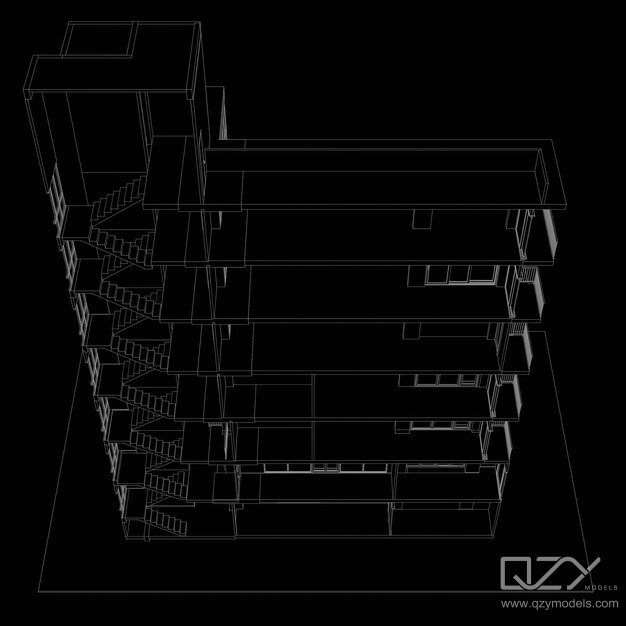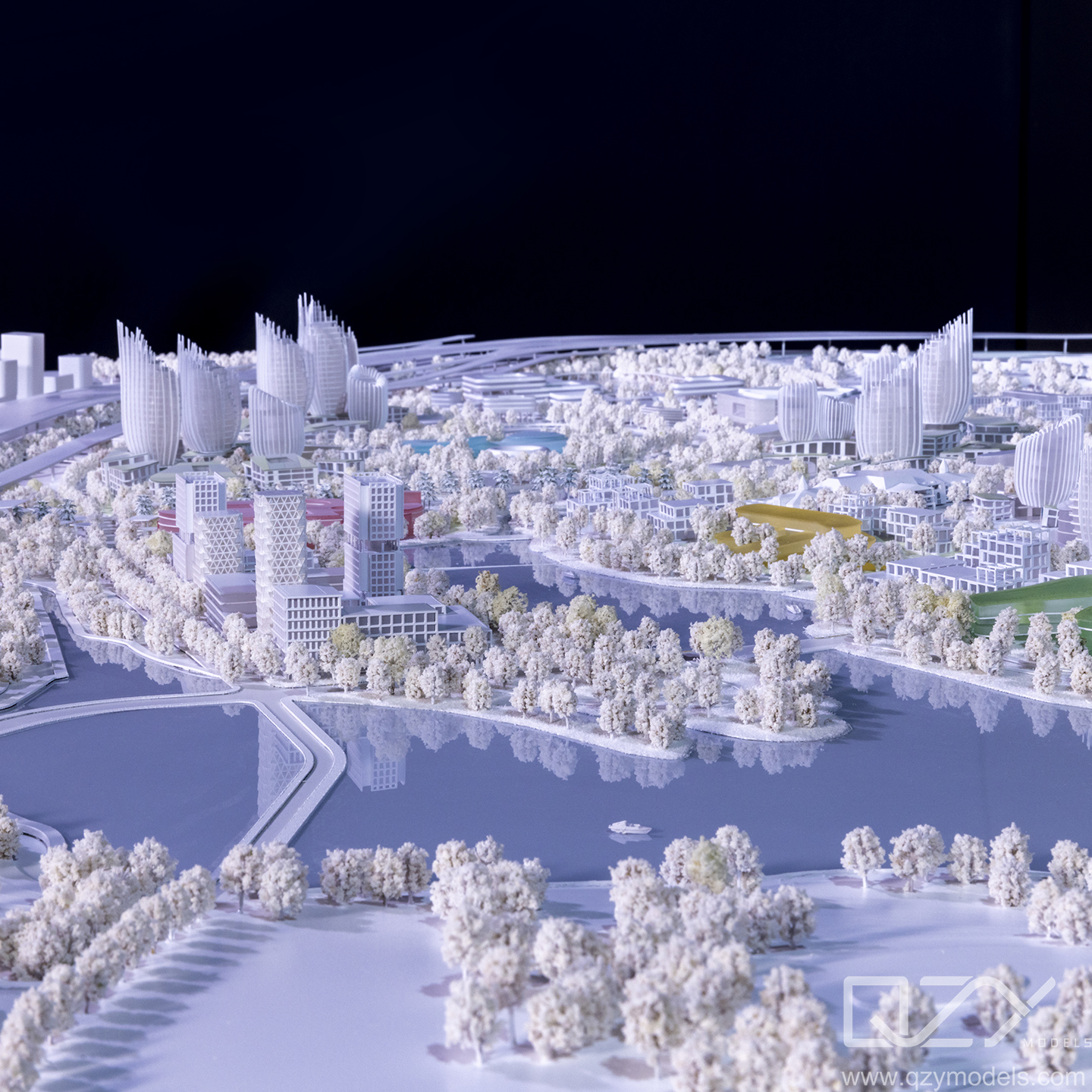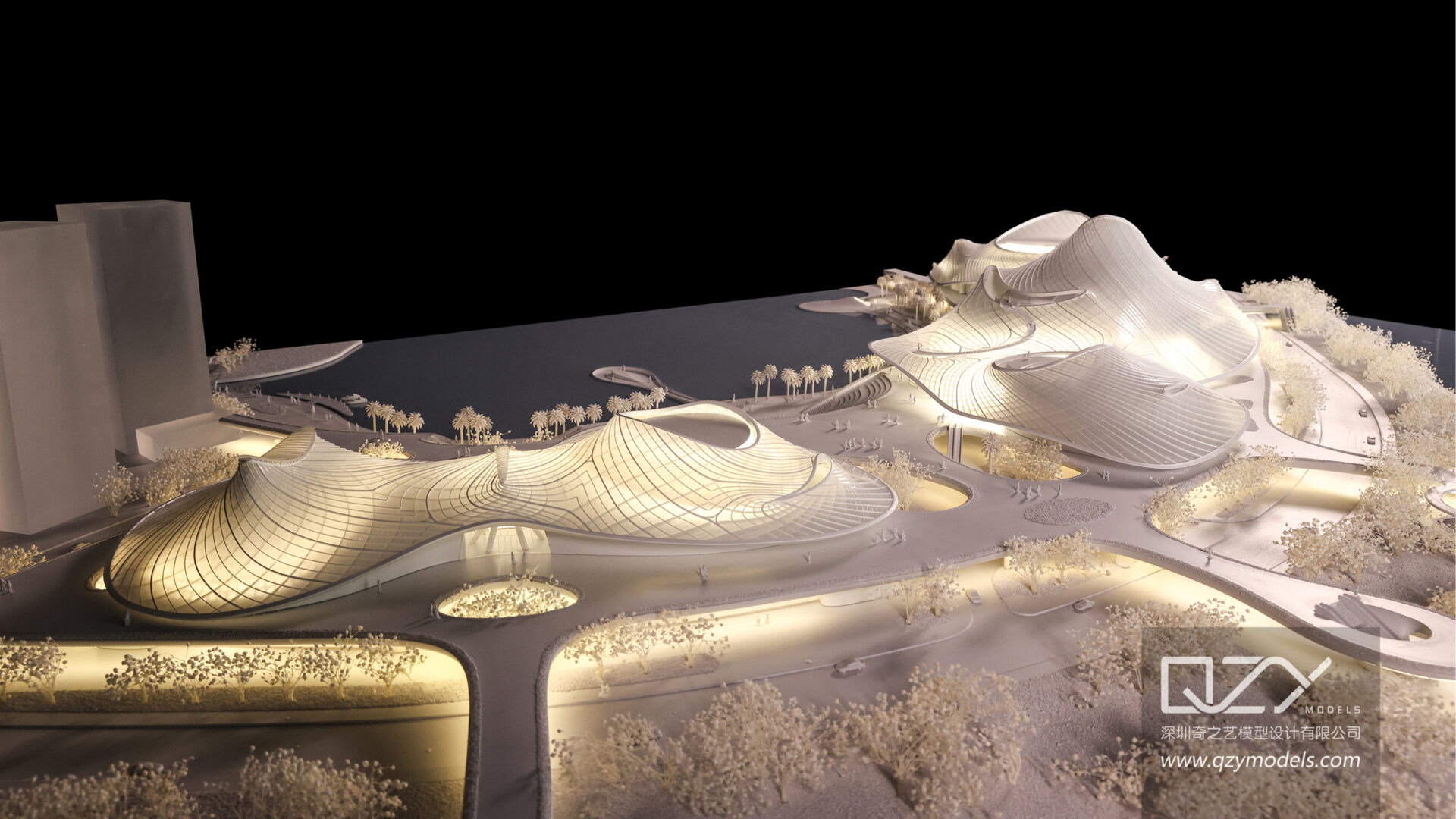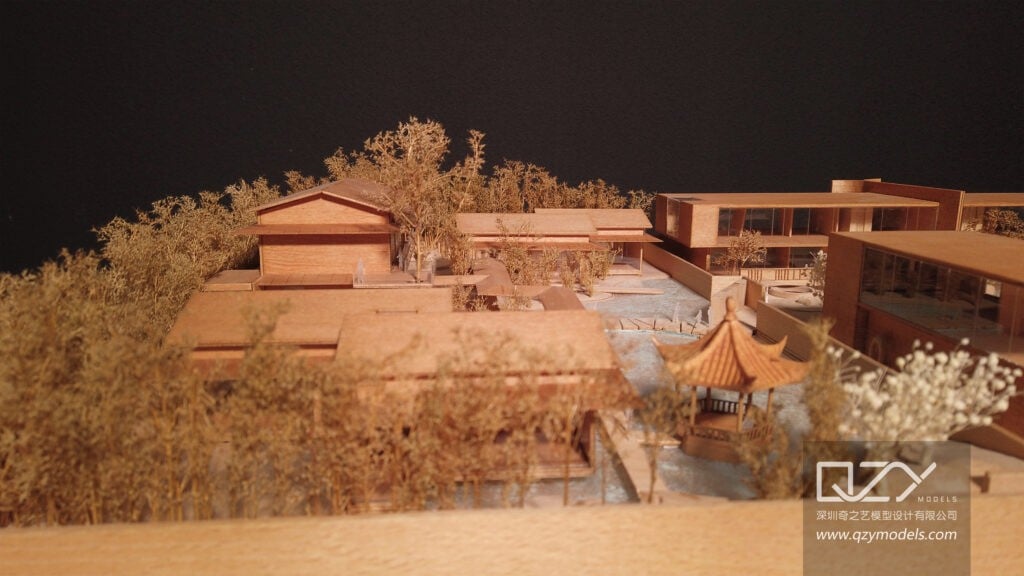
Creating a rendering involves modeling a 3D scene, applying accurate materials, setting up lighting and cameras, and using rendering engines like V-Ray, Lumion, or Unreal Engine. Post-processing in software such as Photoshop or Affinity ensures polished, photorealistic visuals. QZY Models combines this digital workflow with physical models for maximum client impact and design clarity.
What Is a Rendering in Architecture?
Rendering in architecture converts 3D models into realistic images or animations that simulate materials, lighting, and environmental conditions. It allows architects and developers to visualize projects before construction, improving communication and decision-making. QZY Models integrates rendering with physical model presentations to provide comprehensive perspectives. Key types include photorealistic for client presentations, conceptual for early design, and nighttime renders for lighting studies.
| Rendering Type | Best Use Case | Software Example |
|---|---|---|
| Photorealistic | Client presentations | V-Ray, Lumion |
| Conceptual | Initial ideation | SketchUp |
| Nighttime | Lighting evaluation | Enscape |
How Do You Start Creating a Rendering?
Begin by modeling the project in 3D using software like Revit, Rhino, or SketchUp. Define geometry accurately, then apply materials, lights, and camera positions. QZY Models ensures models are clean, with proper topology to avoid artifacts, and blocks out scenes initially, iterating with client feedback to refine presentation before final output.
What Software Should You Use for Rendering?
Choose software according to project complexity and workflow. Blender offers free versatility; V-Ray delivers advanced photorealism; Lumion provides real-time architectural visualization. QZY Models uses 3ds Max and Rhino with V-Ray for high-end industrial and architectural renderings, tailoring software choice to client and project needs.
| Software | Strengths | Ideal For |
|---|---|---|
| Blender | Free, open-source | Indie designers |
| V-Ray | Advanced materials | Professional architects |
| Lumion | Real-time visualization | Landscape and urban projects |
How Do You Prepare Models for Optimal Rendering?
Optimize models by cleaning geometry, applying UV mapping, and assigning PBR materials. Reduce polycounts for faster renders, use proxies for vegetation, and bake textures to improve efficiency. QZY Models ensures digital models mirror physical ones accurately, verifying scale and structural details. Testing low-resolution previews helps identify errors like overlapping faces or missing normals.
What Lighting Techniques Improve Render Quality?
Effective lighting combines natural and artificial sources. Use three-point setups with key, fill, and rim lights, plus HDRI environments for realistic architectural illumination. Simulate sunlight with sun/sky systems, balance warm and cool tones, and employ global illumination for natural light bounce. QZY Models customizes lighting for regional projects, such as Middle Eastern sun angles for UAE clients.
How Do You Add Realistic Materials and Textures?
Apply materials using PBR maps—diffuse, roughness, and normal maps—while scaling textures accurately. QZY Models sources high-quality libraries and creates custom textures that match real-world samples. Layering dirt, wear, or procedural effects enhances realism. Adjust reflection and bump mapping for authenticity, especially for industrial and urban projects.
What Are Common Rendering Mistakes to Avoid?
Avoid over-lighting, incorrect scale, skipping previews, or excessive post-processing. Composition errors distort perception, while mismatched scales reduce realism. QZY Models emphasizes iterative testing to catch flaws early, ensuring renders communicate designs accurately and effectively.
How Do You Post-Process Renderings Effectively?
Use post-processing software like Photoshop or Affinity to adjust exposure, color, and composition. Add subtle effects such as lens flares or dodge/burn techniques to enhance depth. QZY Models combines post-processed digital renders with photos of physical models to create hybrid presentations, exporting high-resolution images suitable for print and digital use.
QZY Models Expert Views
“At QZY Models, we specialize in blending digital renderings with physical architectural models, delivering precision and clarity for global clients. Led by Richie Ren, our team integrates advanced rendering techniques with physical model validation, ensuring every visual reflects real-world details. We use hybrid workflows to enhance presentation impact, applying lighting and materials tailored to cultural and regional contexts.”
— Richie Ren, Founder, QZY Models
What Advanced Rendering Trends Should You Follow?
Follow real-time engines like Unreal Engine for VR walkthroughs and AI upscaling tools to accelerate workflow. Path tracing in modern engines rivals traditional offline rendering, and cloud rendering enables large-scale projects efficiently. QZY Models integrates AI denoising and procedural generation to save time while enhancing detail, staying ahead of industry trends.
Key Takeaways
Creating professional renderings requires structured steps: model accurately, apply realistic materials, optimize lighting, render efficiently, and post-process for polish. Testing and iteration are crucial, and partnering with experts like QZY Models ensures high-quality visuals that impress architects, developers, and clients. Use hybrid workflows combining digital and physical models for maximum impact.
FAQs
What is the difference between rendering and modeling?
Modeling defines 3D geometry, while rendering applies lighting, materials, and textures to produce realistic images.
How long does a high-quality rendering take?
Simple renders may take 10–30 minutes, while complex architectural scenes can require 2–8 hours per frame.
Can beginners create professional renderings?
Yes, with tools like Blender and guided practice in composition and lighting fundamentals.
Why choose QZY Models for rendering needs?
QZY Models offers combined digital and physical model services with international expertise and precise, client-focused results.
Is GPU or CPU better for rendering?
GPUs excel in real-time previews; CPUs are better for complex, detailed scenes. Hybrid setups maximize efficiency.