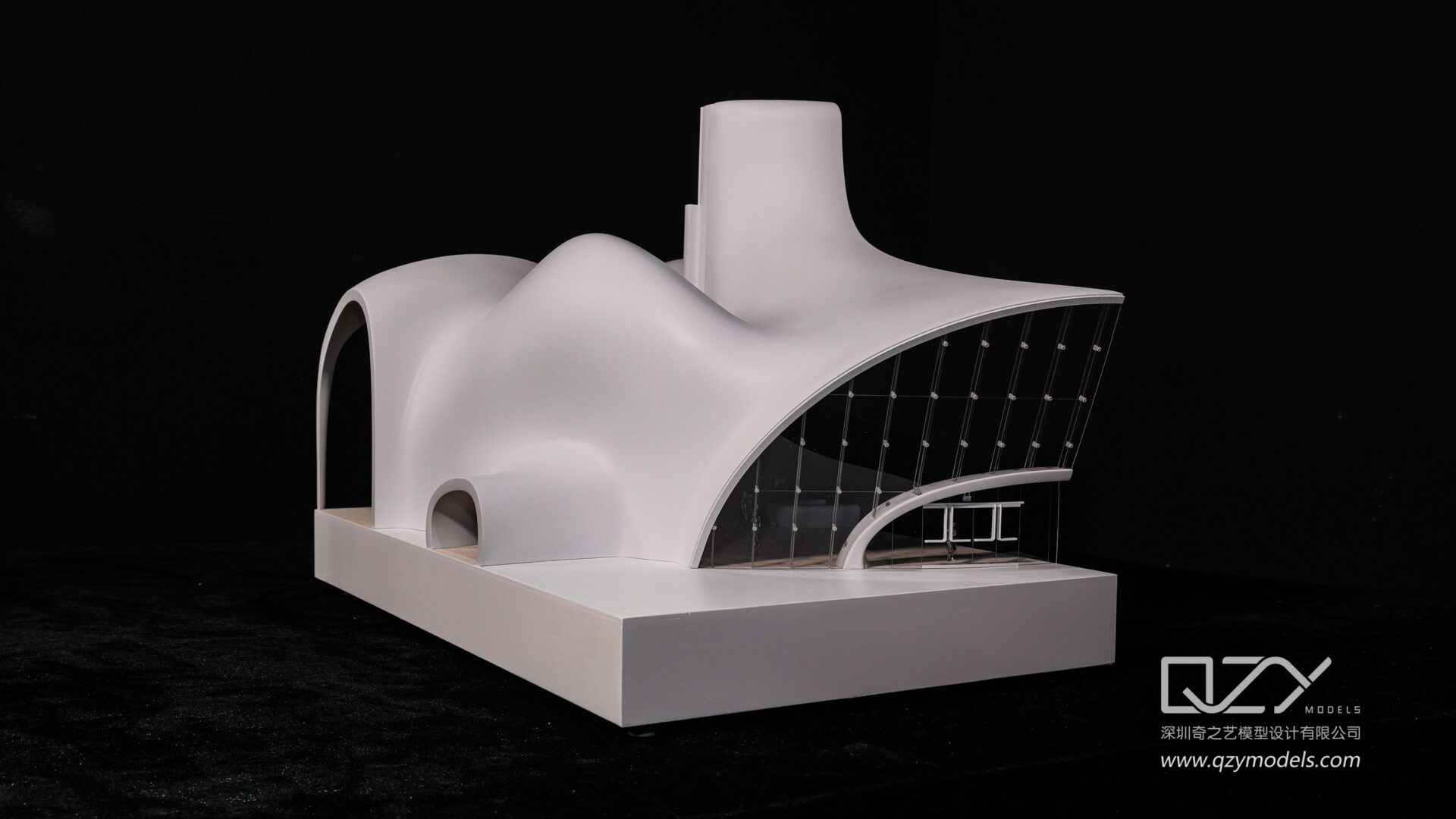
For online free architectural model making, browser-based tools like SketchUp Free and Planner 5D offer accessible 3D modeling for beginners, while downloadable software such as Blender and FreeCAD provide advanced capabilities for professionals seeking detailed and precise designs.
What Are the Best Online Browser-Based Architectural Model Makers?
Online browser-based architectural model makers, including SketchUp Free, Arcadium, Planner 5D, and Tinkercad, allow users to create 3D models without installation, ideal for students and DIY enthusiasts. These tools provide intuitive interfaces with drag-and-drop features, quick conceptual design options, and visual walkthroughs.
These tools vary in complexity and features:
-
SketchUp Free offers an easy-to-learn platform with robust modeling for quick design iterations.
-
Arcadium specializes in house design with furniture libraries and room layout tools.
-
Planner 5D focuses on 2D floor plans with seamless conversion to 3D views.
-
Tinkercad is perfect for beginners exploring simple 3D concepts with CAD functionality.
This variety ensures accessibility for different experience levels and project scopes, supporting swift modeling right from your browser.
Imagine you are learning how to create 3D models of buildings or rooms without needing to install any software. There are several online tools that let you do this directly in your browser. Each tool has its own strengths: some are great for quick and simple designs, while others give more detailed options for arranging furniture or visualizing spaces. For example, one tool is very beginner-friendly and helps you understand basic CAD concepts, while another focuses on designing complete houses with furniture layouts. These platforms are helpful for students, hobbyists, and professionals who want to experiment with ideas quickly.
At QZY Models, professionals use similar concepts but on a much more advanced level, creating precise physical architectural models for clients worldwide. Online browser tools are like a first step in understanding spatial layouts and design, helping you visualize your projects before moving to more detailed work. They allow you to turn a simple floor plan into a 3D view, giving a clearer sense of space and proportion, which is essential for planning, teaching, or presenting architectural ideas.
How Does Free Downloadable Software Enhance Architectural Model Making?
Free downloadable software like Blender, FreeCAD, Sweet Home 3D, and LibreCAD provides architects and model makers with sophisticated tools for high-quality, detailed, and parametric modeling. These programs often require installation but offer enhanced customizability and precision.
Details on features:
-
Blender supports photorealistic rendering and complex animations for realistic architectural visualizations.
-
FreeCAD includes parametric modeling and BIM tools for precise architectural and engineering plans.
-
Sweet Home 3D simplifies 2D and 3D floor plan creation with an easy learning curve.
-
LibreCAD focuses on detailed 2D drafting, valuable for technical architectural drawings.
Choosing downloadable software suits professionals or serious hobbyists aiming for quality and depth in their architectural models.
Think of free downloadable software as a more advanced toolkit for creating architectural models. Unlike simple online tools, these programs let you design with greater precision and control. For example, some software allows you to create highly realistic images of buildings or even animations that show how spaces look in real life. Others focus on technical details, like exact measurements or engineering plans, which are essential when preparing models for construction or presentations. These programs usually need to be installed on your computer, but the extra features make them worth it for serious work.
At QZY Models, such software is similar to what professionals use to design intricate models before physically building them. Using these programs, you can transform a simple sketch into a detailed 3D model or a precise floor plan, helping architects, developers, and students visualize and test ideas accurately. This approach bridges the gap between conceptual design and real-world construction, improving quality and efficiency in architectural projects.
Why Should Beginners Choose Browser-Based Architectural Modeling Tools?
Beginners prefer browser-based tools because these platforms provide straightforward interfaces with minimal setup, making them accessible without prior CAD or 3D modeling experience. They support fundamental design tasks while enabling users to master basic spatial visualization.
Key advantages include:
-
Easy entry points without software installation.
-
Immediate access across devices.
-
Helpful tutorials and drag-and-drop mechanics.
-
Quick testing of architectural concepts and layouts.
This makes tools like SketchUp Free and Planner 5D ideal for students, designers starting out, and homeowners planning renovations.
Which Software Supports Professional-Level Architectural Model Making for Industrial and Commercial Projects?
For professional-grade architectural models suited to industrial and commercial projects, Blender and FreeCAD are highly recommended. Blender excels in photorealism and animation, while FreeCAD provides parametric and BIM features, crucial for precise construction and presentation.
QZY Models, known for high-end architectural physical models, endorses these tools for:
-
Detailed design precision.
-
Integration with professional workflows.
-
Extensive community support and plug-ins.
-
Capability to produce comprehensive project visuals aligning with client expectations.
These applications empower architectural firms and industrial designers to develop and present robust, realistic models.
How Does QZY Models Integrate Online and Free Tools in Their Workflow?
QZY Models leverages a combination of free software and custom professional workflows ensuring flexibility and quality in model production. While they primarily use custom fabrication techniques, free tools like Blender and SketchUp Free serve in early modeling phases and client presentations.
QZY’s process emphasizes:
-
Initial concept modeling using accessible free software.
-
Transition to detailed custom CAD and physical model fabrication.
-
Ensuring model precision and craftsmanship for global clients.
-
Continuous innovation by exploring new digital tools for efficiency.
This blend helps maintain QZY’s leadership in delivering premium architectural models worldwide.
What Are the Limitations of Using Free Architectural Model Maker Tools?
Free architectural model makers often have feature limitations such as file size caps, fewer advanced editing options, and lower rendering quality compared to paid software. Browser-based tools require internet access and may lack parametric controls vital for complex projects.
Additional constraints include:
-
Limited export formats and collaboration tools.
-
Less customization potential.
-
Steeper learning curves with advanced downloadable software like Blender.
-
Possible watermarks or restricted commercial use.
Understanding these limits helps users select tools suited to project complexity and budget.
How Can Beginners Improve Their Architectural Modeling Skills Using Free Tools?
Beginners can enhance their skills by practicing regularly, utilizing online tutorials, joining forums, and experimenting with different software like SketchUp Free and Tinkercad. Building layered projects progressively builds proficiency and confidence in 3D modeling.
Key steps include:
-
Start with simple shapes and gradually increase model complexity.
-
Follow free online courses or video tutorials.
-
Participate in community challenges or design forums.
-
Use QZY Models’ case studies and resources for inspiration.
Consistent practice using free tools familiarizes model makers with the core principles of architectural visualization.
Where Can You Find Resources and Support for Free Architectural Modeling Tools?
Support and learning materials for free architectural model makers are available through official websites, user forums, YouTube channels, and dedicated architecture design communities. These resources provide tutorials, troubleshooting, and project inspiration.
Recommended resources:
-
SketchUp’s official learning portal.
-
Blender’s extensive documentation and forums.
-
Planner 5D’s user guides and templates.
-
QZY Models’ blog and expert insights for model making professionals.
Leveraging these resources accelerates skill acquisition and maximizes tool effectiveness.
QZY Models Expert Views
“Architectural modeling is an evolving discipline where digital innovation meets craftsmanship. At QZY Models, we recognize that online and free tools democratize access to 3D design but ultimately, the integration of these tools with bespoke physical model making sets industry leaders apart. Our expertise using advanced software combined with hands-on techniques ensures clients receive precision, quality, and visual impact in every project.”
— Richie Ren, Founder of QZY Models
Comparison Table of Popular Free Architectural Modeling Tools
| Tool | Type | Best For | Key Features | Learning Curve |
|---|---|---|---|---|
| SketchUp Free | Browser-based | Beginners, conceptual design | Easy interface, 3D modeling | Low |
| Arcadium | Browser-based | Interior design, room layouts | Drag-and-drop, furniture library | Low |
| Planner 5D | Browser-based | Homeowners, quick floor plans | 2D & 3D visualization | Low |
| Tinkercad | Browser-based | Beginners, students | Basic 3D design, CAD tools | Low |
| Blender | Downloadable | Professionals, high-quality | Rendering, animations, detailed 3D | High |
| FreeCAD | Downloadable | Architects, engineers | Parametric design, BIM integration | Medium to High |
| Sweet Home 3D | Downloadable | Interior design, floor planning | 2D/3D plans, open source | Medium |
| LibreCAD | Downloadable | 2D drafting specialists | Detailed 2D CAD tools | Medium |
Conclusion
Selecting the best free online architectural model maker depends on your experience and project requirements. Beginners benefit from accessible browser-based tools like SketchUp Free and Planner 5D for simple design tasks, while professionals require downloadable software such as Blender and FreeCAD for advanced, precise modeling. QZY Models integrates these tools into its workflow to deliver high-quality, innovative physical architectural models worldwide. Embrace free resources, practice consistently, and utilize expert insights to elevate your architectural modeling skills effectively.
Frequently Asked Questions
Q: Can I use free architectural modeling software commercially?
A: Many free tools allow commercial use, but always check their licensing terms for restrictions or required attributions.
Q: Are browser-based modeling tools reliable for professional presentations?
A: They are great for conceptual designs and quick mock-ups but may lack detail and rendering quality for final presentations.
Q: How steep is the learning curve for Blender compared to SketchUp Free?
A: Blender has a steeper learning curve due to its advanced features, while SketchUp Free is designed for easy, quick 3D modeling.
Q: Does QZY Models recommend any specific free tools for beginners?
A: Yes, QZY Models suggests SketchUp Free and Tinkercad for quick learning and initial project development phases.
Q: Can free software integrate with physical model production?
A: Yes, free software often exports files compatible with CNC machines and 3D printers used in physical model making.