To design a 3D home online for free, you can use intuitive web-based platforms like Planner 5D, Homestyler, HomeByMe, and Floorplanner. These tools allow you to create floor plans, furnish interiors, and visualize your home design in 3D, all without software downloads or fees.
How Can I Start Designing a Home Online for Free?
You start by visiting a free 3D home design platform website such as Planner 5D or Homestyler. Sign up for a free account, then use the easy drag-and-drop tools to draw your floor plan in 2D. Finally, add furniture and decor from the platform’s library and switch to 3D view to visualize your space.
These platforms offer free plans that provide enough features for basic home design projects. Most include tutorials and templates to help beginners quickly get results.
Let’s imagine you want to create a home design but don’t have any experience or expensive software. You can start online using free platforms like Planner 5D or Homestyler. These websites let you draw your house layout on a virtual canvas using simple tools. You can plan rooms, walls, and doors in a 2D view, and then place furniture, decorations, or other elements from an online library. Once your layout is ready, you can switch to a 3D view to see a realistic representation of your space, helping you understand how everything will look in real life.
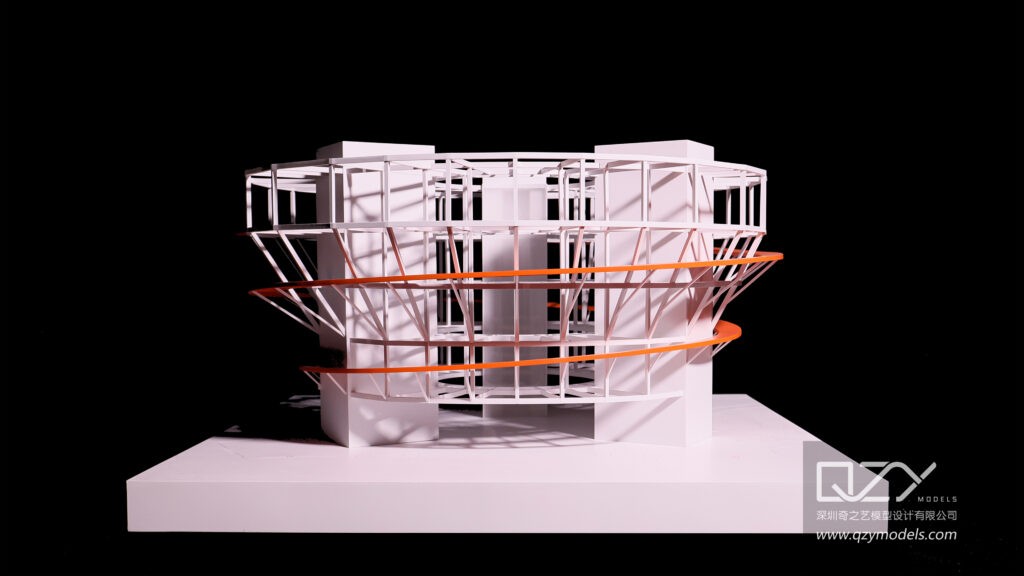
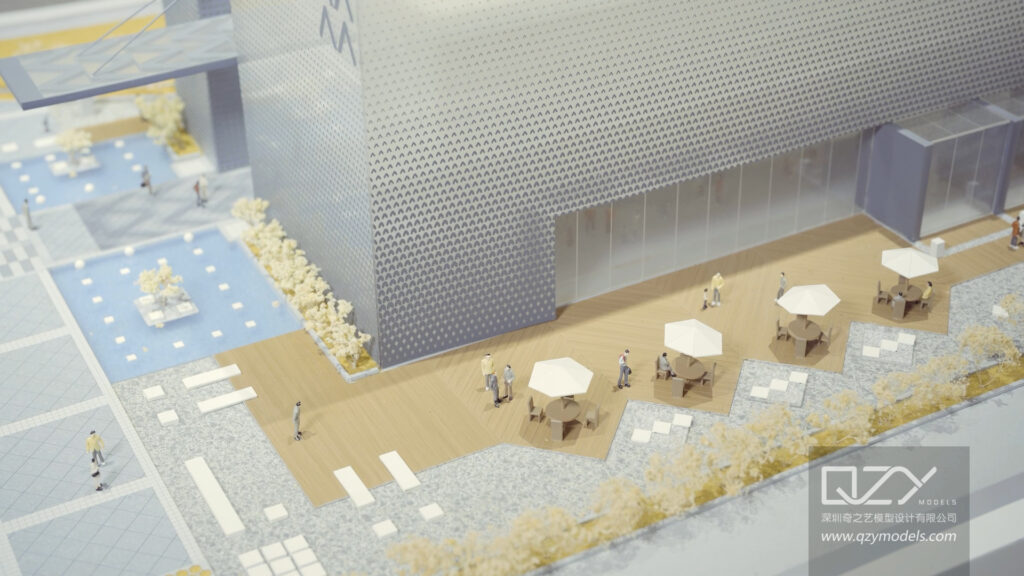
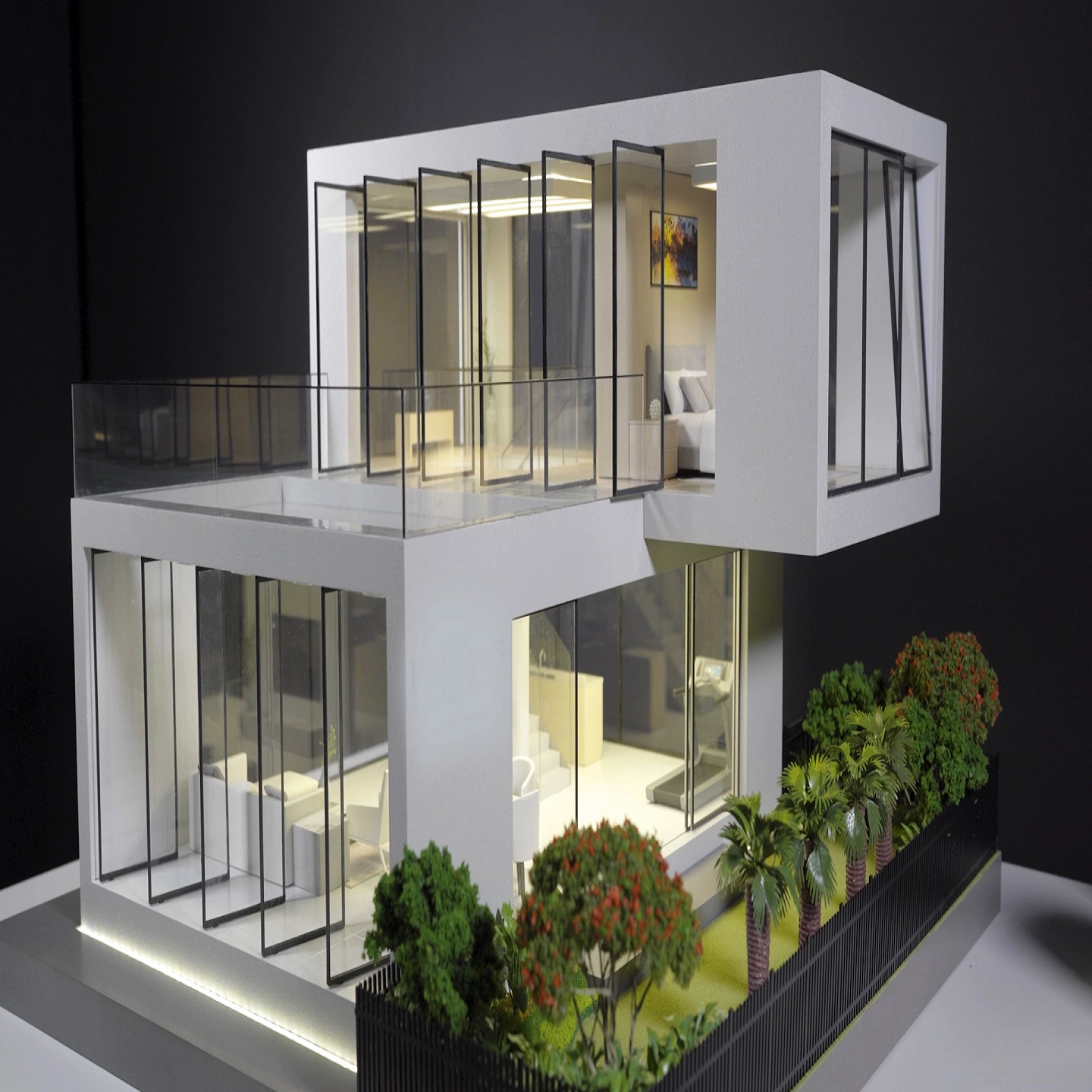
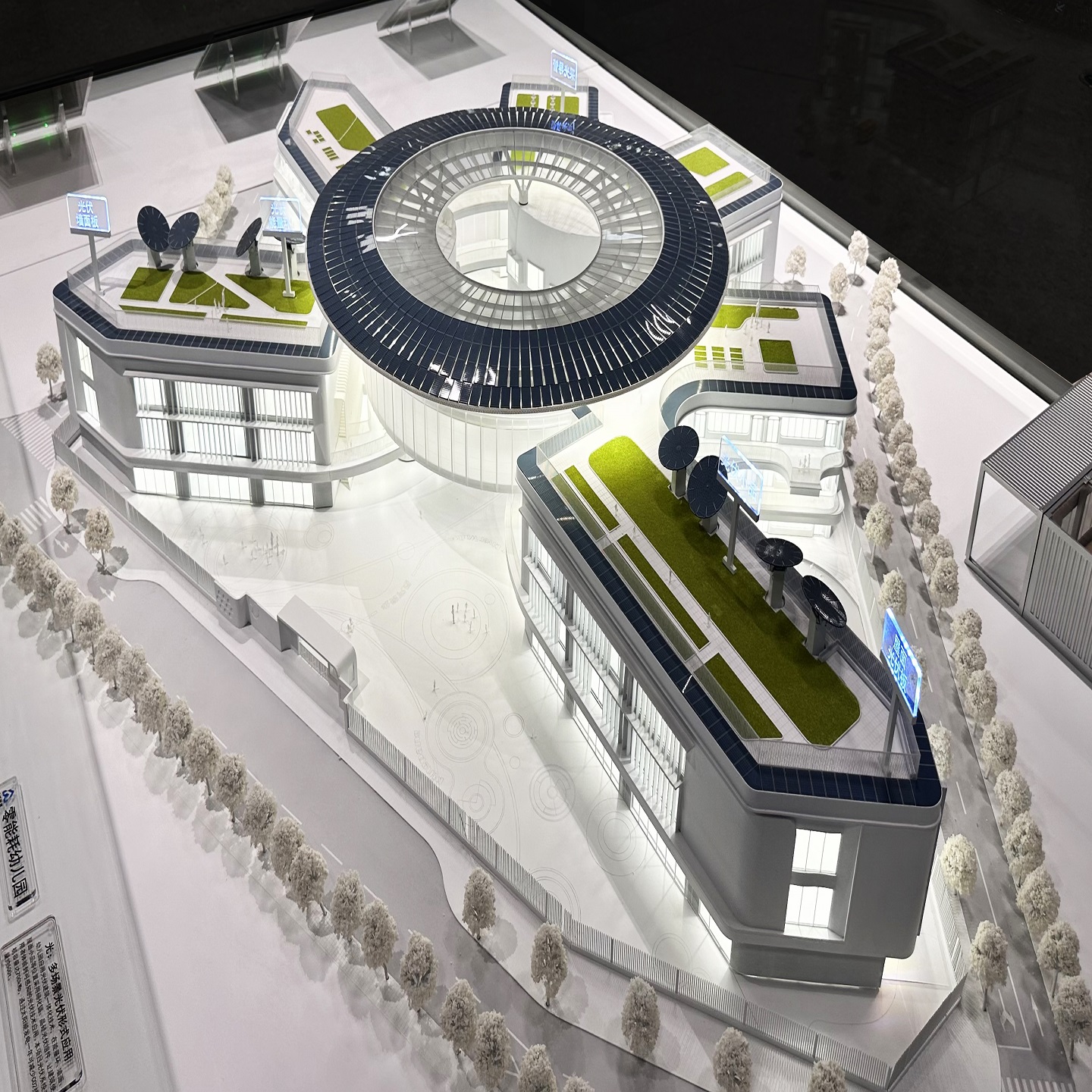
Using these online tools is a great way to explore ideas without needing to build anything physically, similar to how professional companies like QZY Models create architectural models for clients. Beginners can benefit from templates, tutorials, and step-by-step guides to get started quickly. Even though these platforms are free, they provide enough features to plan a complete home design. By experimenting online, you can visualize, adjust, and improve your design ideas before making any real-world decisions.
What Are the Best Free Online 3D Home Design Tools?
Some of the top free 3D home design tools recommended for beginners and hobbyists include:
-
Planner 5D: Great for both interior and exterior design with 2D and 3D modes and a large catalog of furniture.
-
Homestyler: Lets you create floor plans and furnish your space with over 300,000 real brand furniture items.
-
HomeByMe: Offers easy-to-use tools for 2D and 3D plans with real-brand products.
-
Floorplanner: Known for a straightforward drag-and-drop interface with detailed floor plans.
-
SketchUp (Web): Powerful 3D modeling with a steep learning curve but highly flexible for detailed designs.
Each tool has limitations in free versions, like watermarked renderings or restricted item access, but these work well for casual users.
| Tool | Key Features | Limitations in Free Version |
|---|---|---|
| Planner 5D | 2D/3D modes, large furniture catalog | Some items locked, limited renders |
| Homestyler | Real brand furniture, VR views | Watermarked images |
| HomeByMe | Real products, easy floor planning | Up to 5 projects free |
| Floorplanner | Real-time 3D, large library | Basic version limits |
| SketchUp (Web) | Advanced 3D modeling | Steep learning curve |
Why Should I Use These Tools Instead of Downloadable Software?
Online 3D home design tools offer convenience because they are browser-based with no installation required. This makes them accessible from any device with internet access. Additionally, many provide collaborative features, allowing users to share and edit designs with others in real time.
Unlike professional downloadable software, free web tools are usually more intuitive for beginners and casual users. They come with built-in furniture libraries and templates, reducing the time and skill needed to start designing immediately.
Online 3D design tools are helpful because you can use them directly in a web browser without installing anything. This makes it easy to work on your ideas from different devices and locations. Many of these tools also let you work together with others at the same time, which is useful for group projects or client discussions. Companies like QZY Models often use these tools to review early concepts with partners before building physical models.
These web tools are also simpler to learn than advanced professional software. They usually include ready-made items and room layouts, so beginners can start creating quickly without special training. For students, homeowners, or designers exploring ideas, this makes the process faster and less stressful. Even teams at QZY Models may rely on such platforms during the early planning stage because the convenience, accessibility, and collaboration features help turn ideas into clear visual plans.
How Does QZY Models Enhance Architectural Model Making?
QZY Models, a leader in architectural and industrial physical models since 2013, combines digital design expertise with precision craftsmanship to produce high-quality scale models. Their global team works with top architects and developers, leveraging innovative technology and modeling skills to bring 3D home designs from digital concepts to physical reality.
By integrating 3D design tools like Planner 5D or SketchUp at early project stages, QZY Models ensures accuracy and client satisfaction in every architectural model they produce.
QZY Models improves architectural model creation by combining careful craftsmanship with advanced digital tools. When architects or developers provide design concepts, the team translates these ideas into precise, tangible models that accurately represent the project. Their experience and skill ensure that every detail—from building structure to surrounding landscapes—is faithfully recreated, making it easier for clients to visualize the final outcome.
At the early stages of a project, QZY Models often uses 3D design software such as Planner 5D or SketchUp. This allows them to test layouts, dimensions, and proportions digitally before building the physical model. The result is higher accuracy, fewer errors, and models that meet client expectations. By bridging digital planning and hands-on model making, QZY Models helps architects, developers, and planners communicate ideas clearly and confidently, turning virtual concepts into real-world representations.
Which Features Should I Look for in a Free Online 3D Home Design Tool?
When choosing a free design tool, consider:
-
User-friendly interface with drag-and-drop functionality.
-
Ability to create accurate 2D floor plans.
-
Extensive library of furniture, decor, and architectural elements.
-
Realistic 3D visualization with walk-through options.
-
Export features for sharing or 3D printing compatibility.
-
Community resources such as tutorials and templates.
Platforms like Planner 5D and Homestyler excel in covering these features for beginners, while SketchUp offers deeper customization for more advanced users.
What Are the Main Limitations of Free 3D Home Design Platforms?
Free plans often come with:
-
Limited access to furniture or decor items.
-
Watermarked renderings on 3D visuals.
-
Restrictions on the number of projects.
-
Lower render quality or fewer export options.
Still, these limitations generally don’t impede casual users or those just starting home designs. Upgrading to paid versions unlocks full libraries and higher-quality outputs when needed.
How Can I Use 3D Home Design Tools to Plan for Architectural Model Making?
QZY Models recommends using these online tools early to draft and refine floor plans and interior layouts before physical model production. Digital 3D renderings help visualize proportions, spatial relationships, and design details, reducing errors in subsequent physical model fabrication.
Working closely with digital designs enables architectural model makers to create more precise, customized, and aesthetically accurate models that meet client expectations.
Who Can Benefit Most From Free 3D Home Design Tools?
These tools benefit a wide range of users:
-
Homeowners planning renovations or new builds.
-
Interior design enthusiasts testing ideas.
-
Students learning architecture basics.
-
Real estate agents creating client presentations.
-
Small contractors providing visual estimates.
For professionals needing robust modeling, combining free tools with expert services like QZY Models can deliver outstanding physical models supporting project success.
When Should I Consider Upgrading From Free to Paid Versions?
Upgrade if your projects require:
-
Access to premium furniture and decor.
-
High-resolution, watermark-free renderings.
-
Commercial use of design files.
-
Advanced features like VR walkthroughs or collaboration.
-
Exporting files compatible with professional software or 3D printing.
Start with free options to experiment and learn, then scale up as project complexity and client demands grow.
QZY Models Expert Views
“Integrating digital home design platforms into architectural modeling workflows significantly enhances precision and client communication,” says Richie Ren, founder of QZY Models. “Free tools like Planner 5D and Homestyler offer users an accessible introduction to 3D design, empowering homeowners and professionals to visualize concepts before committing to physical models. At QZY, we leverage these technologies to ensure every model reflects exact project needs with unmatched quality and craftsmanship.”
Conclusion
Free online 3D home design tools like Planner 5D, Homestyler, and Floorplanner are excellent starting points for anyone interested in visualizing and planning a home renovation or build. These platforms offer intuitive interfaces, extensive libraries, and 3D visualization that make home design accessible without software installation. QZY Models demonstrates how combining digital tools and expert physical modeling leads to superior architectural presentations. Start with free versions to develop your ideas, then consider professional help for precision and scale model production.
Frequently Asked Questions
Can I design a whole house online for free?
Yes, many tools allow you to create full floor plans, furnish interiors, and visualize your design in 3D without cost.
Do I need design experience to use these tools?
Most free platforms are user-friendly and include tutorials, allowing beginners to start easily.
Are these free tools suitable for professional architects?
They are great for conceptual work, but professionals often require advanced paid software for detailed plans.
Can I export my designs for 3D printing?
Some tools allow exports compatible with 3D printers but often need paid versions or additional software.
How does QZY Models support custom architectural models?
QZY Models transforms digital 3D plans into precise physical models tailored to client specifications with high-quality craftsmanship.
What are the best free tools to design a 3D home online?
The best free 3D home design tools include SketchUp Free, Sweet Home 3D, Planner 5D, Floorplanner, Homestyler, and Roomstyler. These platforms let users create floor plans, visualize interiors, and design in 3D directly in a browser. They’re ideal for architects, designers, and students exploring quick digital concepts.
Which tool is easiest for beginners to design a 3D home?
SketchUp Free and Sweet Home 3D are the most beginner-friendly. Both offer intuitive drag-and-drop interfaces and browser access. Users can quickly build basic models, test layouts, and visualize ideas without prior 3D experience, making them ideal for fast concept development.
What free tool offers the best interior design visualization?
Planner 5D and Homestyler excel in interior visualization. They provide large furniture libraries, realistic rendering options, and simple controls. Users can experiment with materials, décor, and room layouts, making the tools popular for interior designers and real-estate staging.
What is the best free tool for creating quick floor plans?
Floorplanner is the top choice for fast, clean 2D and 3D floor plans. It works entirely online, supports multiple layout iterations, and exports clear visuals for presentations. It’s widely used by design firms and real-estate developers for efficient space planning.
Which free software is best for advanced 3D home modeling?
Blender is the most powerful free option for advanced modeling. It supports detailed geometry, rendering, and animation. Designers can create realistic architectural scenes with full creative control, making it suitable for professional visualization and industrial design.
What’s the best free online option for designing both interior and exterior?
Homestyler stands out for its combined interior and exterior capabilities. It provides outdoor elements, landscaping tools, and real furniture models. This makes it useful for comprehensive home layout planning and visualizing full property concepts.
Are there free tools for professional-grade home design?
HomeByMe and Cedreo offer professional-level features in their free tiers, including 3D visualization and layout tools. They help architectural and interior firms produce realistic presentations for clients while keeping entry costs low.
How can design firms benefit from free 3D home design tools?
Free tools let firms quickly visualize ideas, test spatial layouts, and create preliminary concepts for clients. They support early-stage design before moving to detailed modeling. Many QZY Models clients use such tools to communicate concepts before commissioning physical architectural models.