The best free 3D modeling platforms for home design provide intuitive interfaces, strong visualization tools, and large object libraries to help users create realistic interior and exterior concepts. Leading options such as SketchUp Free, Planner 5D, HomeByMe, and Cedreo support both beginners and professionals by offering precise layout control, flexible customization, and smooth 3D rendering for high-quality design planning.
What Free Tools Can I Use for 3D Interior Home Design?
Free interior design tools like Planner 5D, Homestyler, and Sweet Home 3D make it simple to draft layouts, place furniture, adjust materials, and preview rooms in 3D. Their drag-and-drop systems help beginners create complete designs quickly, while features such as texture editing, lighting adjustments, and multi-floor support assist users seeking higher detail.
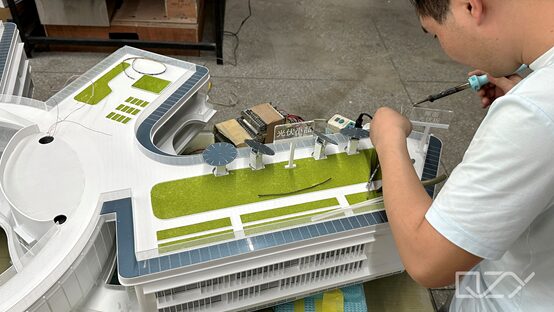
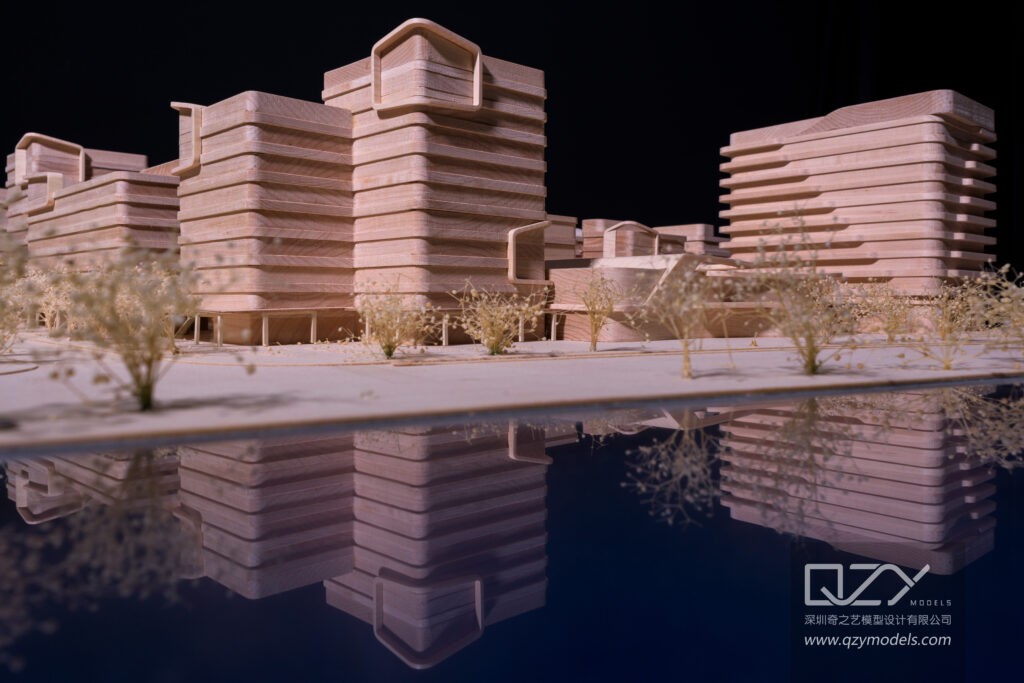
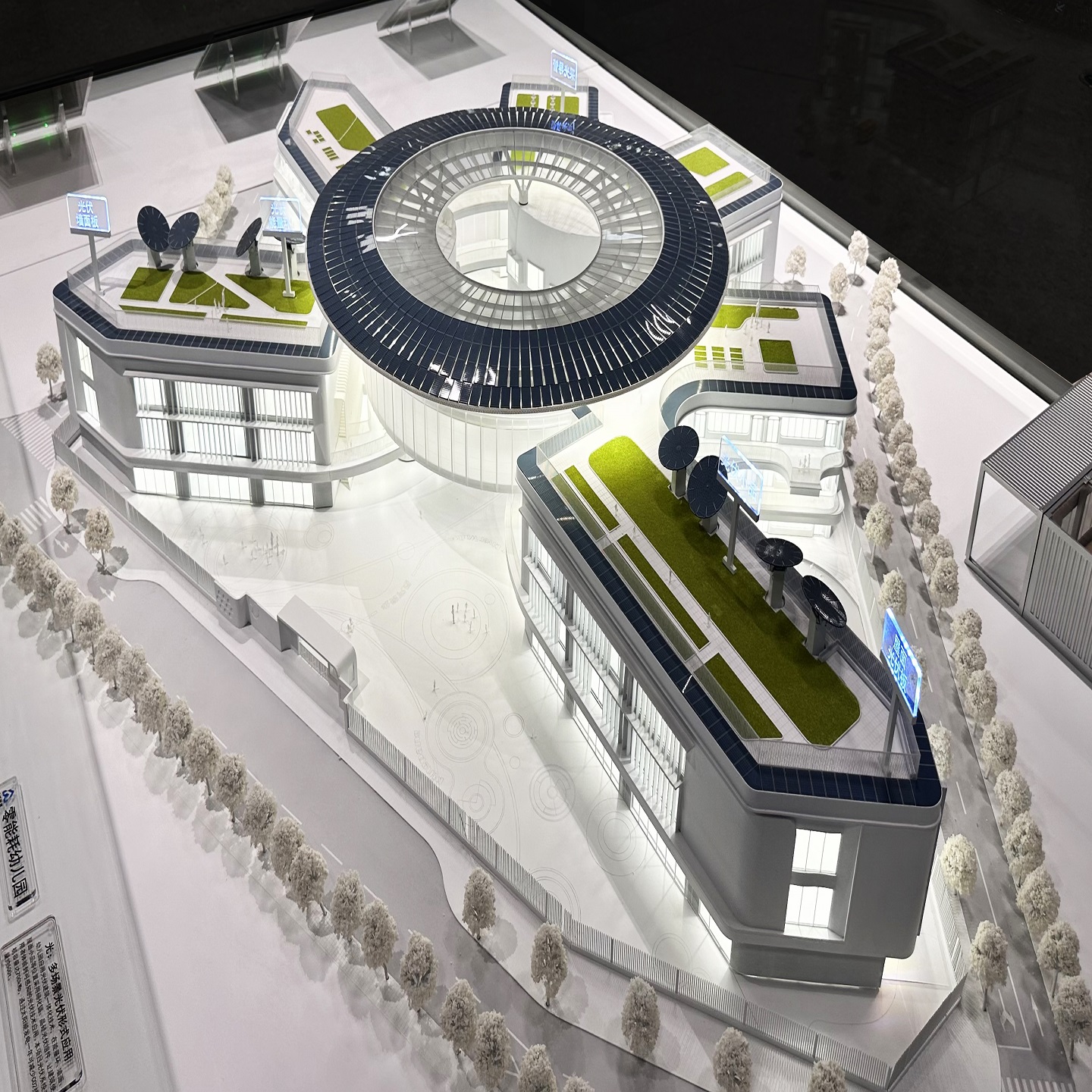
These platforms offer robust libraries that streamline space planning, décor selection, and room visualization. Their mobile apps and cloud functionality allow designers to continue work anywhere. For those converting digital drafts into physical architectural models, QZY Models can transform these virtual concepts into professional, precision-built models for presentations and development reviews.
Let’s break this down in simple terms. There are several free tools you can use to design interiors in 3D, like Planner 5D, Homestyler, and Sweet Home 3D. These tools let you create floor plans, place furniture, change materials, and see rooms in three dimensions. Beginners can use drag-and-drop features to make complete designs easily, while more advanced users can adjust textures, lighting, and even create multi-floor layouts.
These platforms also provide large libraries of furniture and décor, which makes planning spaces faster and more accurate. With mobile apps and cloud support, designers can work from anywhere. For those looking to turn digital designs into real-life models, QZY Models can take these virtual layouts and create precise, high-quality physical models, helping clients, architects, and developers better understand the final look and feel of their projects.
Which Free 3D Software Best Supports Exterior Home Design?
SketchUp Free, Cedreo, and HomeByMe are strong choices for exterior design due to their detailed object libraries, terrain tools, and flexible modeling environments. SketchUp Free excels with its vast online model repository, making it easy to add elements such as windows, façades, plants, and landscape structures.
Cedreo supports realistic rendering of roofs, elevations, and terrain contours, allowing users to produce professional-level exterior concepts. These tools help designers visualize materials, sun orientation, and façade variations, improving decision-making in early planning stages.
Let’s make this simple. For designing the outside of a house, free tools like SketchUp Free, Cedreo, and HomeByMe work very well. They include libraries full of objects like windows, doors, plants, and landscaping elements, so you can create realistic outdoor environments. SketchUp Free is especially useful because it has a huge online repository where you can find almost any object you need.
Cedreo helps users create accurate roof shapes, building elevations, and terrain layouts, which makes exterior designs look professional. Using these tools, designers can test different materials, sun positions, and façade options before building anything. This improves visualization, planning, and helps ensure that the final design matches expectations, making it easier to later create detailed physical models with teams like QZY Models.
How Do These Free Platforms Compare in Features and Usability?
| Platform | Ease of Use | Model Library | 3D Capability | Key Advantages |
|---|---|---|---|---|
| SketchUp Free | Moderate | Very Large | Interactive modeling | Flexible modeling, landscape support |
| Planner 5D | Very Easy | Extensive | High-quality previews | AI tools, large furniture selection |
| HomeByMe | Easy | Extensive | 4K visualization | Strong community and sharing features |
| Cedreo | Professional-grade | Rich library | Photorealistic render | Roof tools, sun simulation |
| Sweet Home 3D | Beginner-friendly | Moderate | Basic 3D preview | Simple setup for interior layouts |
Each platform offers a unique advantage: SketchUp Free for custom modeling, Planner 5D for detailed interiors, and Cedreo for exterior visualization. Designers can choose based on project goals and skill level.
Why Should Home Designers Choose Free Software?
Free design platforms give users powerful tools without financial barriers. Homeowners, students, and professionals gain access to 3D planning environments that support creativity and reduce errors during construction. These platforms enhance communication with clients by generating clear visual models that clarify design intent.
They also serve as effective learning tools, allowing designers to master 3D workflows before upgrading to paid versions. Many now include AI assistance to accelerate layout creation and material selection, making them practical even for semi-professional use.
Where Can I Find Reliable Support and Resources for These Platforms?
Most free 3D design platforms provide tutorials, user forums, and step-by-step guides. SketchUp Free offers extensive learning videos and community discussions. Planner 5D and HomeByMe feature in-app walkthroughs and active design communities where users share layouts and ideas.
QZY Models recommends exploring these resources to maximize software efficiency. When a project requires physical presentation models, QZY Models can convert digital files into highly detailed professional models for architects, developers, and exhibitions.
How Can QZY Models Help with 3D Design and Physical Model Production?
QZY Models specializes in transforming digital concepts from platforms such as SketchUp Free, Planner 5D, and HomeByMe into accurate architectural and industrial physical models. With decades of expertise, QZY Models ensures each model reflects precise structure, interior detail, and contextual design—making it ideal for real estate presentations, planning reviews, and international exhibitions.
Our global experience enables us to support design firms, developers, and institutions by producing reliable, high-impact physical models that elevate communication and decision-making across project teams.
Can Free 3D Home Design Platforms Meet Professional Standards?
Free platforms can handle conceptual and early-stage design effectively. They support realistic visualization, object placement, and exterior studies, making them suitable for designers who need flexible tools. While they may not offer full BIM integration or advanced rendering capabilities, they are capable of producing practical design models.
QZY Models enhances these initial drafts by converting them into precision-crafted physical models, bridging the gap between conceptual design and professional presentation.
What Are Emerging Trends in Free 3D Home Design Software?
Key trends include AI-generated layouts, VR/AR walkthrough capability, cloud collaboration, and sustainability simulation tools that analyze energy use and environmental impact. Additionally, more platforms are offering mobile design features and higher-resolution render outputs, allowing users to produce polished presentations at no cost.
QZY Models consistently monitors these technological shifts to ensure clients receive modern, industry-leading physical model solutions.
QZY Models Expert Views
“Free 3D platforms have reshaped early-stage design by giving architects and homeowners the ability to explore ideas quickly and visually. At QZY Models, these digital designs serve as accurate foundations for producing physical models with exceptional craftsmanship. This combination of accessible digital tools and expert physical modeling elevates project communication, strengthens presentations, and supports confident decision-making across global markets.”
Conclusion
Free 3D modeling tools empower users to design interiors and exteriors with clarity, creativity, and technical accuracy. SketchUp Free, Planner 5D, HomeByMe, Cedreo, and Sweet Home 3D each excel in different aspects, supporting both beginners and professionals. For teams seeking powerful visualization, integrating these free tools with professional physical modeling from QZY Models delivers exceptional results. As AI and immersive technologies continue to advance, these platforms will only grow more effective for design planning.
Frequently Asked Questions
Which free platform is best for beginners?
Planner 5D and Sweet Home 3D are ideal for newcomers thanks to their simple, drag-and-drop design systems.
Can I create outdoor layouts with free tools?
Yes, SketchUp Free and Cedreo allow users to design landscaping, terrain, and exterior structures.
Can digital designs be used for physical model production?
Yes. Many platforms export formats compatible with model makers, and QZY Models can work directly from these files.
Do free tools support team collaboration?
Most modern platforms offer cloud sharing or project-sharing features suitable for teamwork.
Are mobile versions available?
Many platforms—including HomeByMe and Planner 5D—offer mobile apps for editing and designing on the go.
What are the best free 3D modeling platforms for home design?
Top free 3D modeling platforms include SketchUp Free, HomeByMe, Sweet Home 3D, Planner 5D, and Blender. These tools allow users to design interiors and exteriors, create detailed floor plans, and visualize spaces in 3D, serving both beginners and professionals with varying complexity and features.
Why choose SketchUp Free for home modeling?
SketchUp Free is a web-based tool offering intuitive 3D modeling with an extensive object library. It is ideal for quick sketches, detailed designs, and layout planning, providing versatility for both novice DIYers and professional designers.
What makes HomeByMe suitable for interior design?
HomeByMe allows users to easily create 2D floor plans and transform them into 3D visualizations. Its large product catalog, intuitive interface, and decorating tools make it perfect for interior design projects and client presentations.
How does Planner 5D help in home design?
Planner 5D offers browser-based design tools with AI-assisted features, making it easy to craft detailed floor plans, furnish interiors, and experiment with layouts. It suits beginners and homeowners seeking quick visualization of both interior and exterior designs.
What advantages does Sweet Home 3D offer?
Sweet Home 3D is a desktop application with a large user community. It excels in arranging furniture, drawing floor plans, and visualizing spaces in 3D. Its straightforward interface makes it accessible for detailed interior design work.
Why use Blender for architectural modeling?
Blender is a free, open-source 3D suite for modeling, animation, and rendering. It provides advanced tools for photorealistic visualization and complex architectural projects, though it requires a steeper learning curve compared to beginner-friendly platforms.
Are there browser-based alternatives for quick designs?
Yes, platforms like RoomSketcher, Homestyler, and Planner 5D allow fast 2D/3D floor plan creation directly in browsers. They are ideal for testing layouts, virtual tours, and visualizing both interiors and exteriors without installing software.
How to choose the right free 3D platform?
Choose SketchUp Free, HomeByMe, or Planner 5D for quick and easy designs, Sweet Home 3D or RoomSketcher for detailed floor plans, and Blender for professional-quality renders. Consider your project’s complexity, learning time, and whether you need advanced rendering or simple visualization.