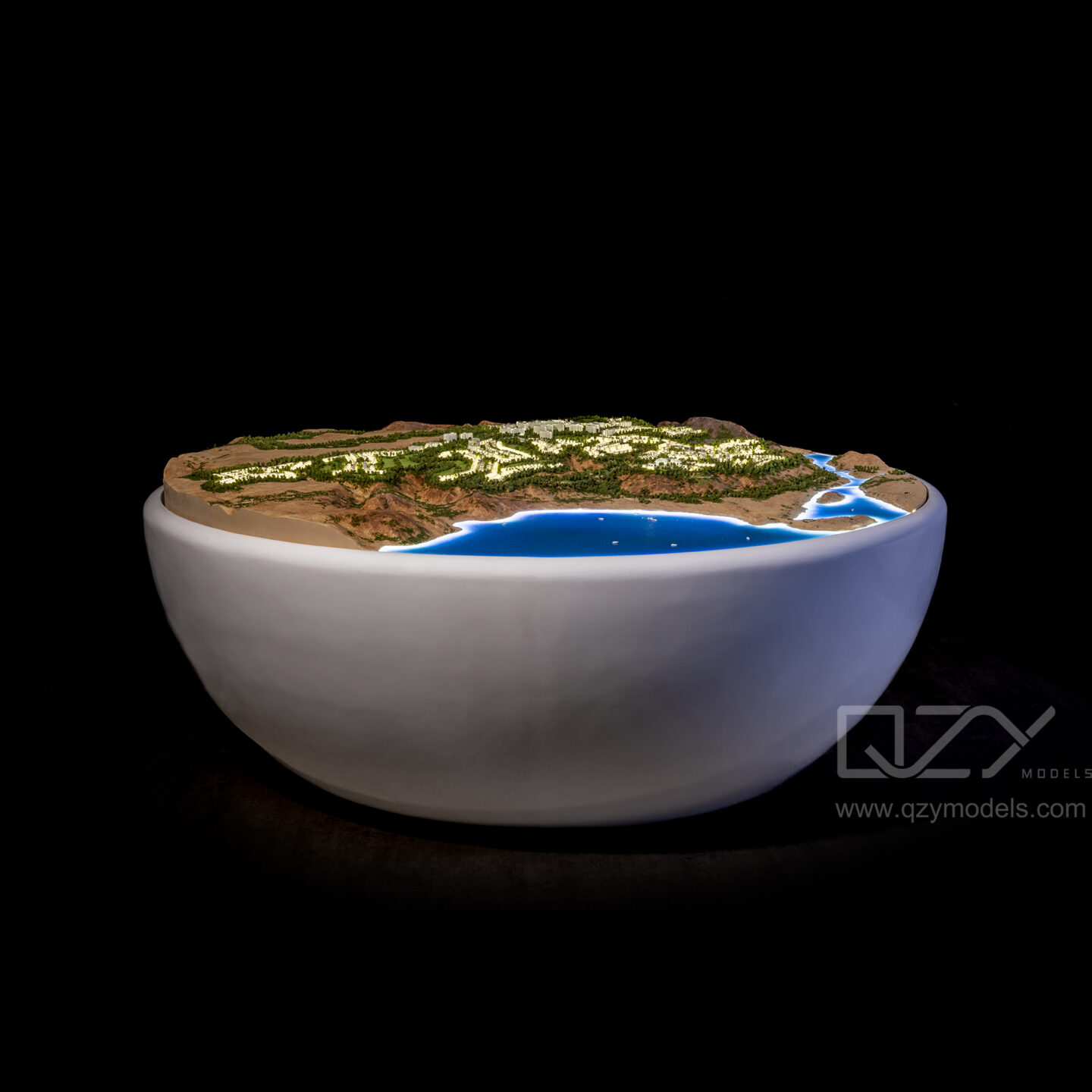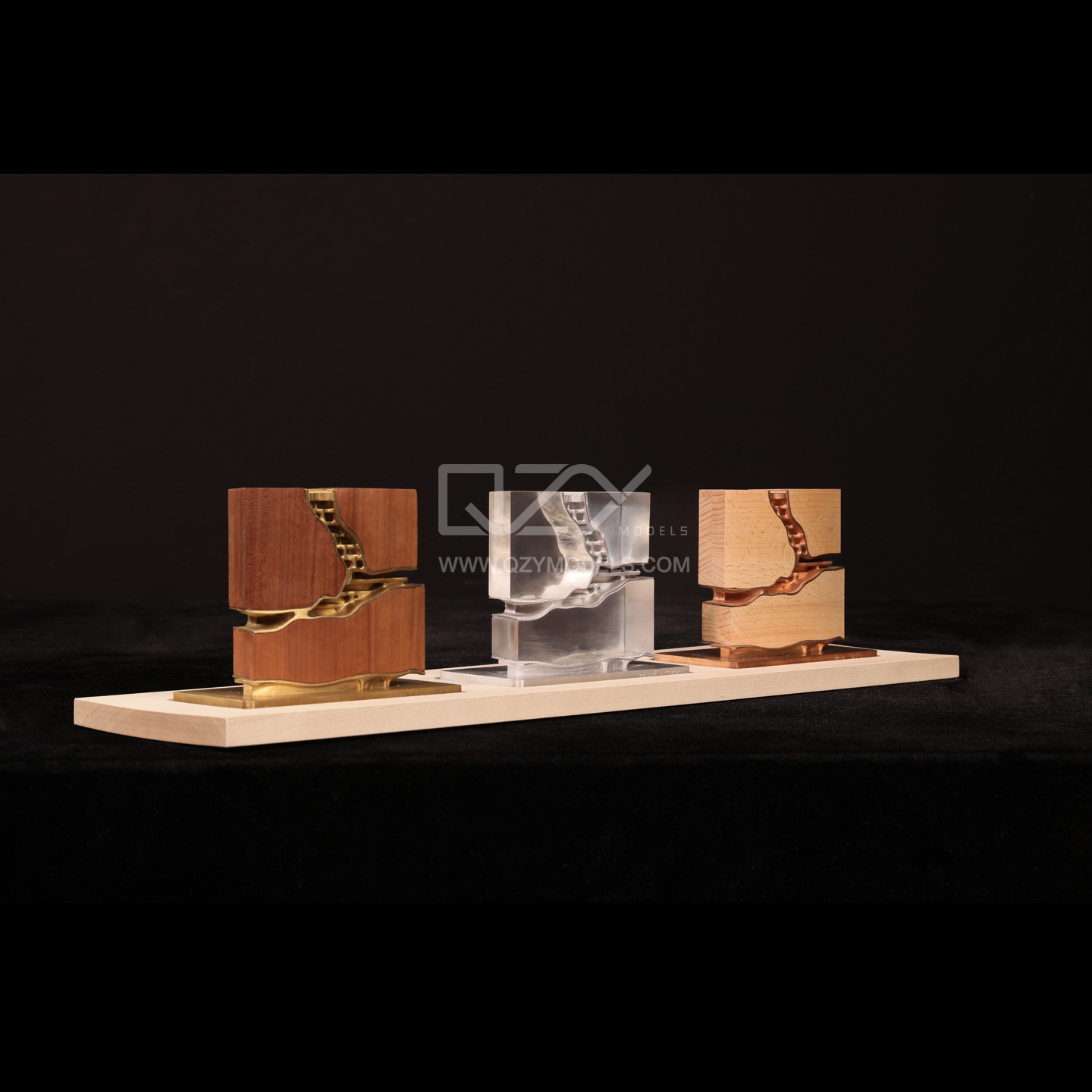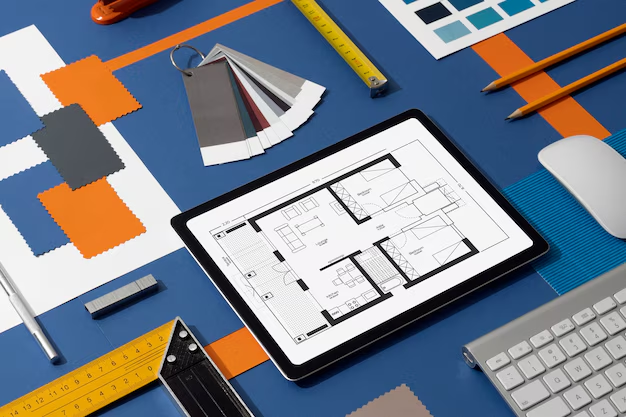
Free online 3D home design tools allow beginners and hobbyists to visualize, plan, and model interior and architectural spaces without professional software. These platforms combine simplicity with creativity, helping users experiment with layouts, furniture, and finishes. For China-based manufacturers like QZY Models, such digital designs serve as accurate references for producing precise architectural and industrial models.
How Do Free 3D Design Tools Help Beginners Start Designing?
Free 3D design tools guide beginners through creating interior layouts and architectural concepts using intuitive visual editors.
With drag-and-drop features, measurement guides, and ready-made templates, even first-time users can produce professional-looking designs. QZY Models leverages these digital drafts to convert ideas into scaled physical models, ensuring creativity aligns with technical feasibility. Beginners benefit from immediate visual feedback, building confidence before moving to material prototypes.
What Features Should a Beginner Look for in 3D Home Design Platforms?
Beginners should prioritize platforms with user-friendly interfaces, rich furniture libraries, and export capabilities.
Features such as real-time rendering, cross-device accessibility, and customizable templates improve usability. For manufacturers like QZY Models, these functionalities help accurately interpret proportions, textures, and spatial relationships during model production.
Table: Key Features for Beginners
| Feature Type | Importance Description | Example Use Case |
|---|---|---|
| Drag-and-drop editor | Simplifies layout creation | Room planning |
| Material library | Provides texture and finish options | Interior surface simulation |
| 3D rendering view | Enhances design visualization | Client presentations |
| Export/Share format | Facilitates collaboration with manufacturers | Sending designs to QZY Models |
Which Free 3D Home Design Tools Are Most Popular in 2025?
Popular free 3D home design tools include Planner 5D, Floorplanner, HomeByMe, SketchUp Free, and Roomstyler.
Each caters to different needs—from basic layout to detailed modeling. QZY Models frequently receives client drafts from these tools, translating digital designs into high-precision physical models for prototypes, exhibitions, and architectural presentations.
| Tool Name | Best For | Platform Type |
|---|---|---|
| Planner 5D | Beginners & interior planning | Web, iOS, Android |
| HomeByMe | Complete home interiors | Web-based |
| Floorplanner | Floor and zoning layouts | Web browser |
| SketchUp Free | 3D modeling practice | Web and desktop |
| Roomstyler | Furniture layout visualization | Web-based |
Why Are Online 3D Design Tools Valuable for Manufacturers and OEM Partners?
These tools allow clear communication between clients and model factories, reducing misunderstandings and revisions.
When QZY Models receives a 3D file, the factory can reproduce the design accurately in miniature or industrial-scale models. Integrating digital drafts into production shortens lead times, enhances collaboration, and ensures precise replication of design intent for global B2B clients.
How Can Chinese Manufacturers Utilize Free 3D Design Tools to Improve Workflow?
Manufacturers can use free 3D tools to visualize requirements, test layouts, and simulate materials before production.
QZY Models inputs scaled dimensions into CNC and 3D-printing systems to maintain accuracy. This combination of free digital tools and professional fabrication ensures efficient prototyping and faster project turnaround, giving factories a competitive advantage in international markets.
What Common Mistakes Do Beginners Make When Using Free 3D Tools?
Beginners often misjudge scale, overlook lighting, or create overly complex designs before mastering basics.
To avoid errors, start with simple layouts, use measurement guides, and preview in realistic view modes. Following these practices ensures designs can be successfully translated into physical models by suppliers like QZY Models.
Who Benefits Most from Using Free 3D Design Tools?
Free design tools serve homeowners, hobbyists, students, and freelance designers.
For B2B factories like QZY Models, they provide an initial bridge between client concepts and professional model production, improving communication, reducing errors, and enabling faster project delivery in international markets.
When Should a Project Transition from Free 3D Design to Professional Modeling?
Projects should move to professional modeling once layouts, materials, and measurements are finalized.
QZY Models then converts these digital plans into tangible models with structural accuracy, durability, and high visual fidelity—ideal for exhibitions, design reviews, or client presentations.
QZY Models Expert Views
“Free 3D design tools democratize visualization. At QZY Models, we convert these digital drafts into real models that preserve every design detail. This synergy of creativity and precision bridges imagination with industrial craftsmanship, ensuring both visual and structural excellence in every project.” — QZY Models Team
Where Can Hobbyists and Students Learn 3D Design Skills for Free?
Users can access tutorials through platform-specific academies, YouTube channels, and online forums.
QZY Models encourages learning these tools to understand scale, proportion, and spatial relationships. Many Chinese design schools now integrate SketchUp and Planner 5D into curricula to connect academic training with practical model-making skills.
Are Free Tools Reliable for Professional or Factory-Level Use?
While free tools lack advanced CAD precision, they are valuable for early-stage visualization and client-factory communication.
Suppliers like QZY Models use these digital drafts as foundational references for prototyping high-detail architectural and industrial models.
Could Free Design Tools Influence the Future of Industrial Model Manufacturing?
Yes, free 3D platforms make visualization accessible, supporting design-to-production workflows.
China-based manufacturers, including QZY Models, integrate client-generated files into CNC, 3D printing, and laser-cutting pipelines, enabling efficient, accurate, and collaborative model production.
Chart: Workflow Integration with Free 3D Tools
| Stage | Role of Free Tools | Manufacturer Benefit |
|---|---|---|
| Concept Visualization | Early client drafting | Improved understanding of design |
| Pre-Production | Scale & material simulation | Accurate prototype planning |
| Final Production | CNC/3D printing guidance | Reduced errors, faster completion |
Conclusion: Bridging Virtual Design with Real-World Craftsmanship
Free online 3D home design tools empower beginners to transform ideas into visual reality. For factories like QZY Models, these platforms serve as a bridge from digital creativity to precise, professional model production, blending technology, design, and manufacturing expertise to deliver high-quality results globally.
FAQs
1. Can free 3D design tools be used for actual projects?
Yes, they are ideal for visualizing layouts and sharing concepts before moving to professional modeling.
2. Are there Chinese alternatives for home design software?
Yes, Kujiale (Coohom) and Homestyler offer simplified Chinese support and localized templates.
3. Do free tools support export for manufacturing?
Many provide 3D or image exports suitable for production by factories like QZY Models.
4. What is the benefit of using free design software for manufacturers?
It improves communication, shortens prototyping time, and ensures designs are interpreted accurately.
5. Is formal training required to use these tools?
No, most platforms include tutorials for quick learning and practical application.
What Are the Easiest Free 3D Home Design Tools for Beginners?
The easiest free tools are browser based platforms like Planner 5D, Homestyler, and Arcadium. They use drag and drop interfaces, prebuilt furniture libraries, and instant 2D to 3D views, allowing beginners to design rooms and floor plans quickly without technical skills or software downloads.
Which Free Online Tool Is Best for Detailed 3D Modeling?
SketchUp Free is best for detailed 3D modeling online. It offers precise drawing tools and access to the large 3D Warehouse library, making it ideal for users who want more control over shapes, dimensions, and custom architectural elements while still being free and web based.
What Free Tool Works Best for Furniture and Interior Layouts?
Homestyler works best for furniture focused interior design. It features real brand furniture, realistic lighting, and drag and drop room styling, making it easy to visualize decor, layouts, and materials for home makeovers or interior design concepts.
Is There a Completely Free Desktop Option for Home Design?
Sweet Home 3D is a completely free and open source desktop option. It allows users to draw floor plans, import furniture, and view designs in 3D. It is ideal for users who prefer offline work and need simple but reliable home layout planning.
Which Free Tools Are Best for Quick Floor Plan Visualization?
Arcadium and Planner 5D are best for fast floor plan visualization. They enable users to sketch layouts quickly, auto generate 3D views, and experiment with room sizes and furniture placement, making them ideal for hobbyists exploring ideas in minutes.
How Do Free 3D Design Tools Support Professional Model Making?
Free 3D tools help translate early concepts into visual references for physical models. Companies like QZY Models often use client generated layouts to refine proportions, spatial logic, and presentation before producing high precision architectural models for exhibitions, developers, and international design teams.