The best-rated construction software for interior designers is Chief Architect, designed for precise residential and interior design projects. It combines intuitive 3D modeling, automated building tools, and realistic renderings to streamline project planning. Interior designers can efficiently produce accurate plans, material lists, and visualizations, improving client presentations and collaboration with contractors for superior project outcomes.
What Makes Chief Architect the Top Construction Software for Interior Designers?
Chief Architect stands out due to its residential-focused features, including automatic generation of roofs, foundations, framing, and material schedules. Its 3D modeling tools simplify complex design processes while ensuring accurate construction documentation. Designers benefit from realistic renderings and panoramic walkthroughs that improve client understanding and project approvals. Workflow efficiency is enhanced through automation, reducing errors and saving time on repetitive tasks.
The software also supports seamless integration with CAD tools and construction documentation, enabling interior designers to manage detailed project elements without switching platforms.
How Do Other Construction Software Compare for Interior Design Needs?
Alternatives such as Autodesk Revit, VectorWorks Architect, and Cedreo offer varied benefits. Revit excels in multidisciplinary parametric modeling and advanced scheduling, suitable for large-scale projects but with a steeper learning curve. VectorWorks provides flexible 2D/3D modeling for complex designs, while Cedreo focuses on cloud-based rendering for rapid conceptual visualization. Chief Architect balances usability and professional-grade tools tailored specifically for interior designers.
| Software | Key Benefits | Ideal Users | Pricing Range |
|---|---|---|---|
| Chief Architect | Auto building tools, 3D walkthroughs | Residential interior designers | Trial available, Paid |
| Autodesk Revit | Parametric models, detailed schedules | Large projects, BIM specialists | Subscription-based |
| VectorWorks | Flexible modeling, efficient drawing | Architects, versatile designers | Subscription/monthly |
| Cedreo | Cloud-based, easy 3D & 2D rendering | Beginners to mid-level designers | Starting at $99/month |
Why Is Project Management Integration Important in Construction Software for Interior Designers?
Integrating project management with design software enhances collaboration, tracks tasks, and ensures timely project completion. Tools that combine timelines, budgets, and procurement help designers coordinate effectively with contractors. Linking design updates to project schedules reduces errors and miscommunication, while improving transparency and accountability across all stakeholders.
Efficient project management features support smoother construction phases, minimize cost overruns, and strengthen client satisfaction through well-managed design execution.
What Are the Essential Features Interior Designers Look for in Construction Software?
Interior designers prioritize software with intuitive 3D visualization, automatic material and cost estimation, and seamless team collaboration. Integration with CAD programs, the ability to generate construction documentation automatically, and libraries of customizable materials and furnishings are essential. Cloud-based storage facilitates remote teamwork, while software capable of managing multiple project stages in one platform enhances productivity.
Software flexibility, speed, and accuracy allow designers to deliver both detailed designs and high-quality client presentations without relying on multiple tools.
How Does Construction Software Support Visualization and Client Presentation?
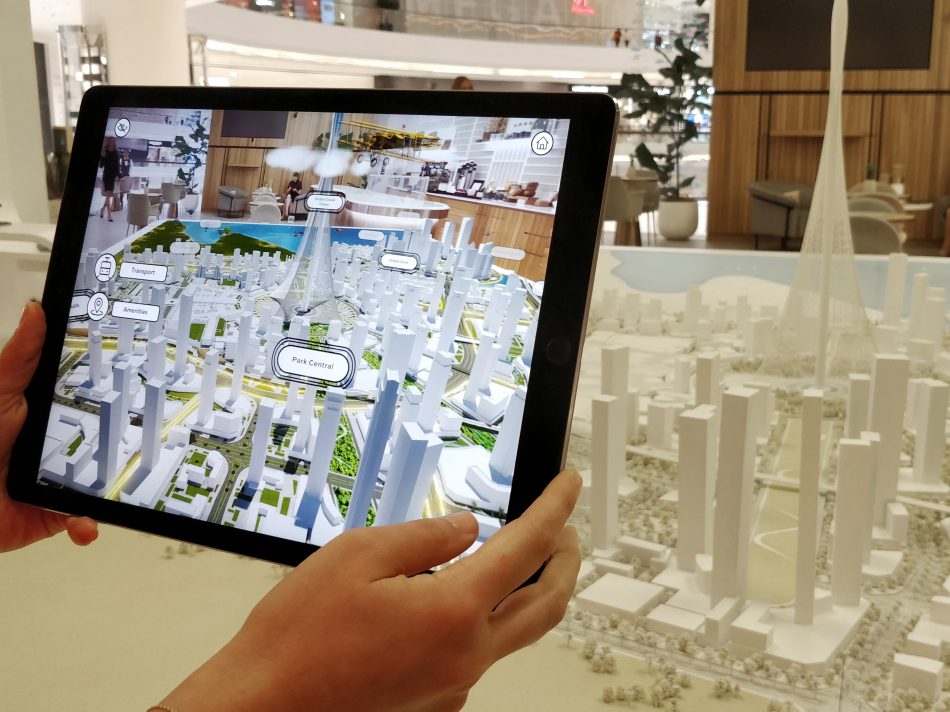
Advanced construction software provides immersive visual experiences through realistic renderings, 3D walkthroughs, and virtual reality. Designers can demonstrate space planning, lighting, textures, and color schemes accurately before construction. This improves client understanding, reduces revision cycles, and enhances the overall professional impact of interior design services.
By enabling dynamic presentations instead of static drawings, designers can clearly convey design intent and secure client approvals more efficiently.
Who Are the Leading Brands Providing Construction Software for Interior Designers?
Key brands include Chief Architect, Autodesk (Revit and AutoCAD), Graphisoft (Archicad), VectorWorks, and Cedreo. These companies continuously innovate to support BIM workflows, AI-assisted rendering, and cloud collaboration. Each platform offers unique features suited to varying project sizes and complexity, helping interior designers optimize design accuracy, visualization, and workflow management.
When Should Interior Designers Upgrade Their Construction Software?
Upgrades are recommended when project demands exceed current software capabilities, such as advanced 3D modeling needs, improved collaboration features, or enhanced integration with construction workflows. Growth in client expectations, project complexity, and software advancements are common triggers for updating tools to maintain efficiency and competitiveness.
Where Can Interior Designers Find Support and Learning Resources for Construction Software?
Software providers offer tutorials, webinars, certification programs, and user forums to help designers maximize their tools. Online communities and industry events also provide opportunities for learning advanced features, troubleshooting, and staying updated with software innovations, ensuring designers achieve optimal performance from their investment.
Can QZY Models Benefit from Using Construction Software for Interior Designers?
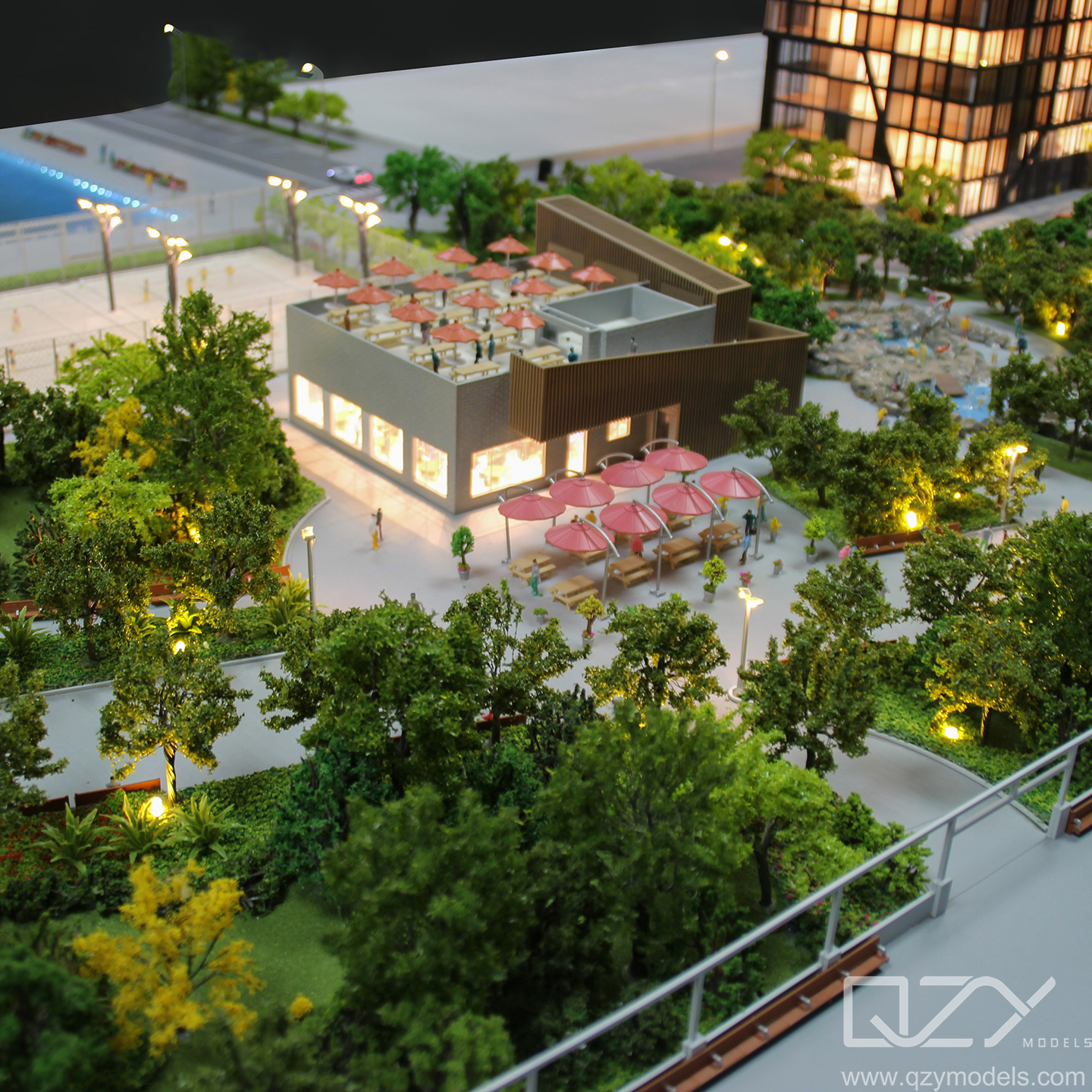
Yes, QZY Models can leverage construction software like Chief Architect to improve model accuracy, streamline design visualization, and enhance client collaboration. Integrating digital design with physical model production ensures precise outcomes and faster project delivery, reinforcing QZY Models’ reputation for excellence in architectural and industrial modeling.
QZY Models Expert Views
Using advanced construction software in interior design allows us to translate complex digital concepts into precise physical models efficiently. At QZY Models, this integration strengthens collaboration with architects and designers worldwide, ensuring that both aesthetic and functional aspects are realized accurately. It enhances workflow, shortens project timelines, and aligns with our commitment to innovation, quality, and professional excellence.” — Richie Ren, Founder, QZY Models
FAQs
What is the most user-friendly construction software for interior designers?
Chief Architect is widely recognized for its intuitive interface and professional-grade design features.
Can construction software generate accurate 3D visualizations?
Yes, leading software provides realistic 3D models, walkthroughs, and renderings for client presentations.
Does project management integration improve construction efficiency?
Yes, it helps track tasks, allocate resources, and enhance communication, reducing delays and errors.
Is BIM support necessary for interior design projects?
BIM enables detailed collaboration and accurate documentation, which is valuable for complex interior designs.
Where can interior designers learn to use these tools effectively?
Official tutorials, webinars, forums, and certification programs provide comprehensive learning resources.