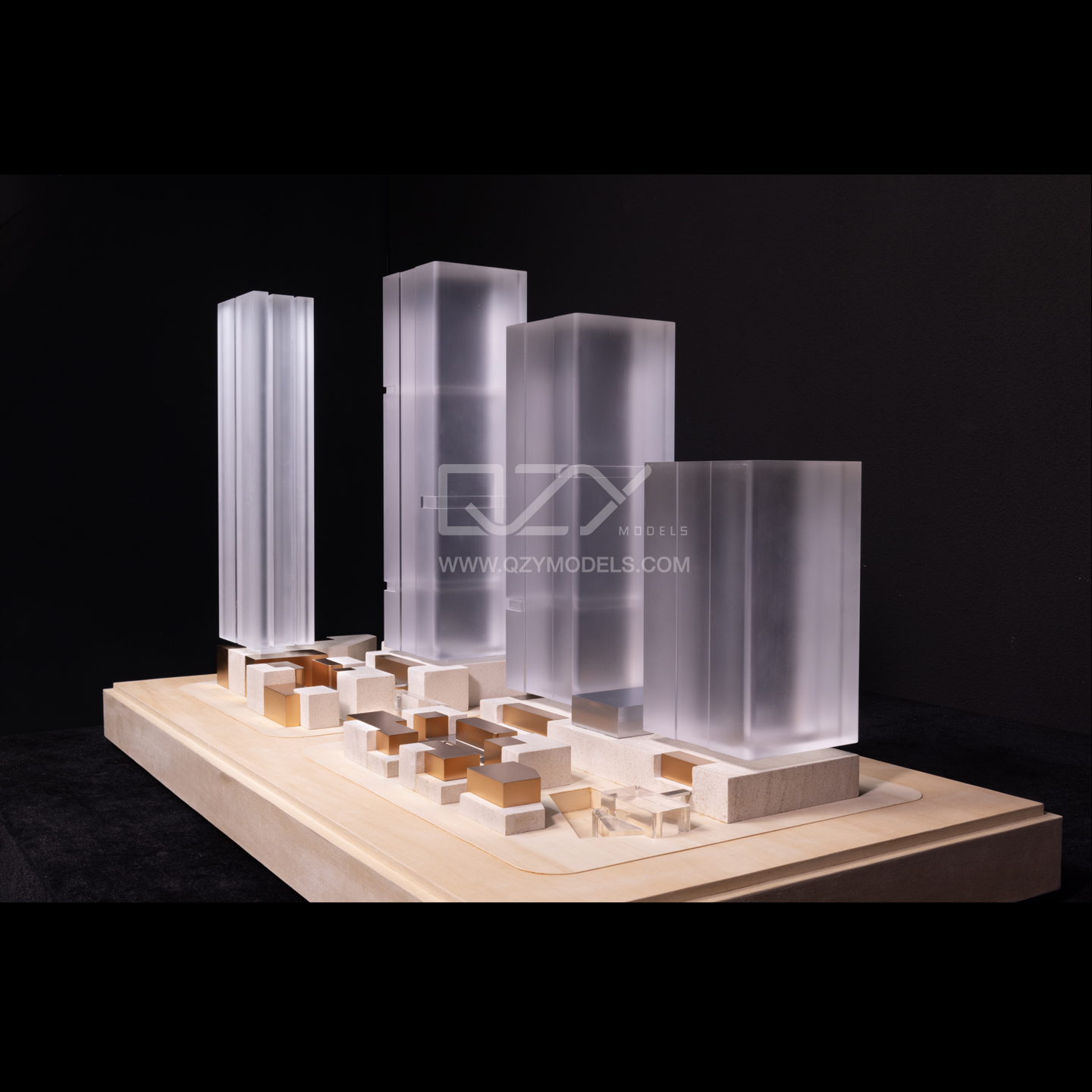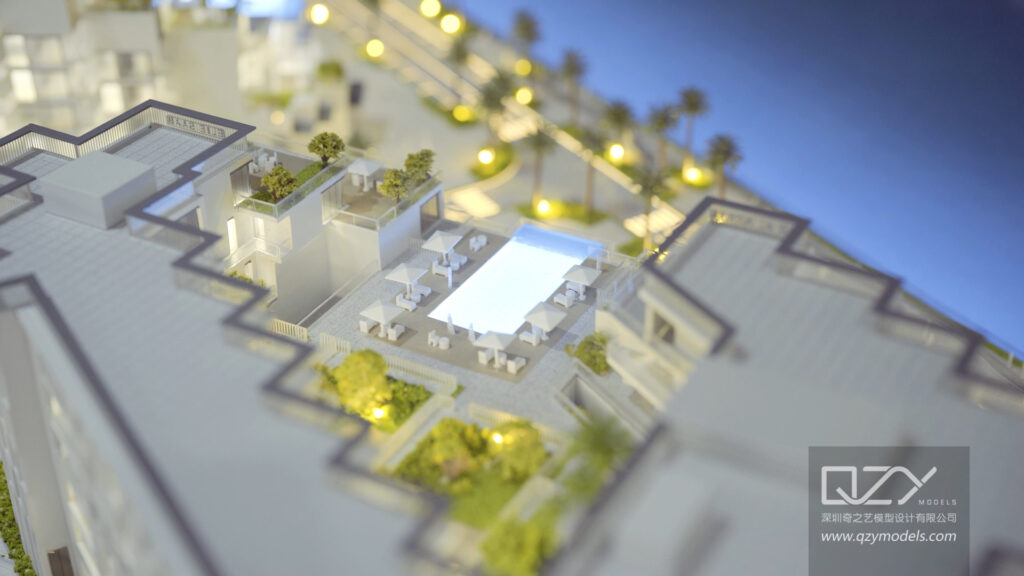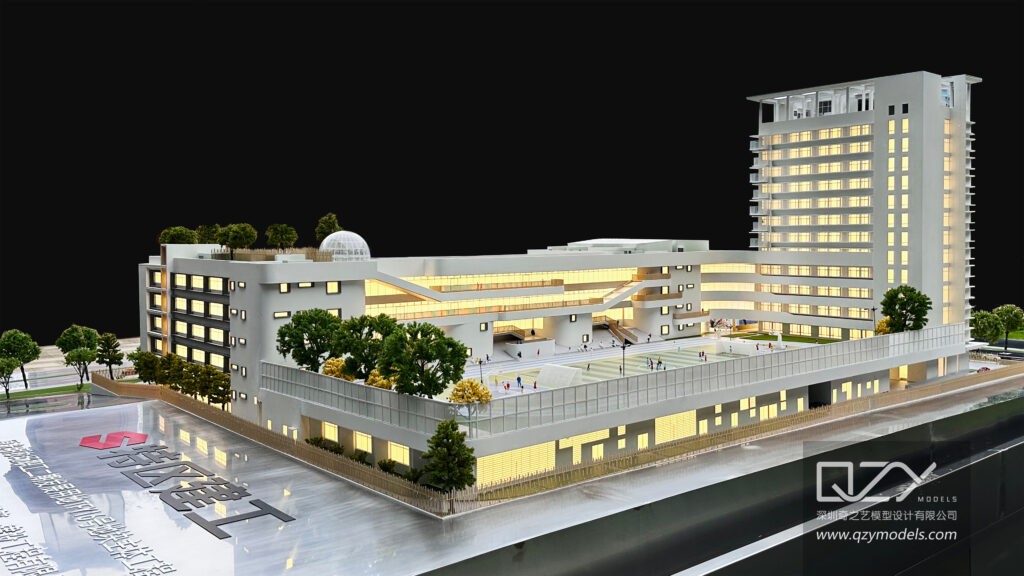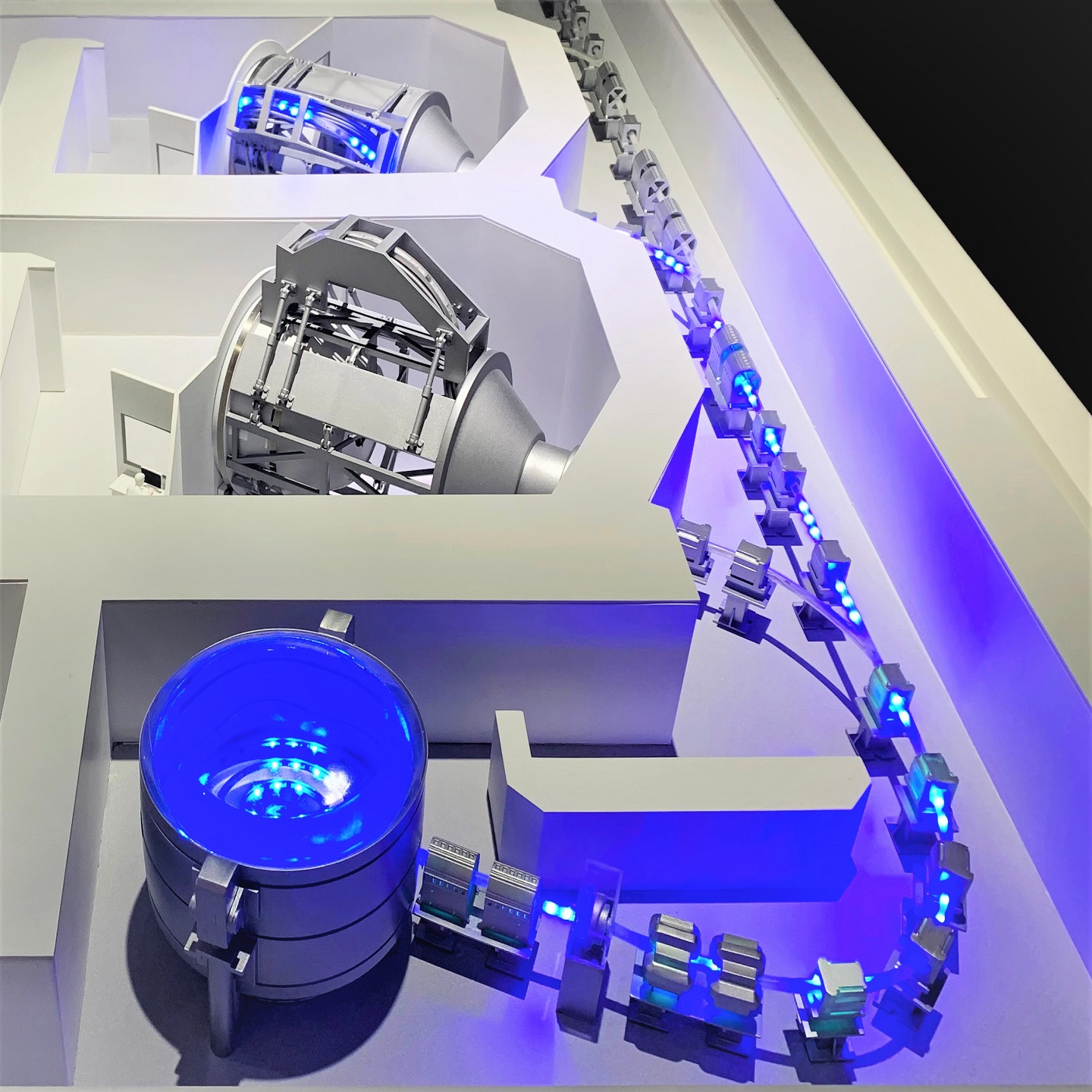
Free 3D home design software provides architects and developers with powerful tools to create, visualize, and refine building concepts at zero cost. These platforms support floor planning, 3D modeling, material previews, and client presentations, making them ideal for early-stage design, concept validation, and collaboration—especially when paired with professional physical model solutions from QZY Models.
What Are the Top Free 3D Home Design Software Options for Professionals?
Top choices include SketchUp Free, FreeCAD, Sweet Home 3D, and Live Home 3D. SketchUp offers intuitive modeling, FreeCAD provides parametric and BIM-based features, Sweet Home 3D excels in interior layout simplicity, and Live Home 3D delivers detailed visualization with real-time rendering.
These platforms help architects and developers create accurate, editable models aligned with early design and presentation needs. Their compatibility with physical model workflows also supports seamless collaboration with specialized firms such as QZY Models.
How Do Free 3D Home Design Tools Improve Team Collaboration and Workflow Integration?
Free software supports teamwork through cloud sharing, collaborative editing, and broad file compatibility, including OBJ, STL, IFC, and DXF. SketchUp enables online model sharing, while FreeCAD supports advanced BIM workflows for coordinated design and documentation.
These integrations enhance communication between architects, engineers, and developers, reducing errors and speeding up approval cycles—crucial when designs will eventually be translated into professional models by companies like QZY Models.
Which Key Features Should Professionals Focus On When Selecting Free Software?
Important features include parametric modeling, BIM functions, intuitive navigation, real-time 3D rendering, and expansive object libraries. Compatibility with fabrication file formats is essential for teams that rely on digital-to-physical workflow transitions.
Selecting software with precise measurement tools, flexible editing, and strong visualization provides a solid foundation for digital planning and supports smooth collaboration with physical model specialists such as QZY Models.
Why Do 3D Visualizations Matter for Architectural and Real Estate Projects?
3D models help clients and stakeholders grasp spatial relationships, material choices, lighting conditions, and overall design intent. These visuals reduce misunderstandings, improve communication, and strengthen decision-making early in the development process.
For marketing, high-quality visuals enhance buyer engagement and elevate project presentations, especially when combined with premium physical models crafted by teams like QZY Models.
When Should Professionals Choose Free Software Instead of Paid Alternatives?
Free tools are ideal for conceptual design, feasibility studies, client brainstorming, and smaller projects. They allow efficient exploration of ideas without significant investment. Paid software becomes necessary for advanced rendering, complex BIM management, or enterprise-scale collaboration.
Using both free and paid platforms strategically helps maintain quality and control cost—a balanced approach often favored by architectural firms and property developers.
How Can Developers Use Free 3D Software to Strengthen Marketing and Client Engagement?
Developers can build virtual walkthroughs, customizable layouts, and visually compelling interiors that highlight property potential. These digital assets help clients visualize their investments clearly and differentiate projects in competitive markets.
Pairing digital designs with physical architectural models from QZY Models amplifies project impact by offering an engaging combination of tactile and visual storytelling.
What Limitations Do Free 3D Home Design Tools Have and How Can Users Address Them?
Common limitations include fewer advanced rendering features, limited customization, and reduced technical support. These can be addressed by combining multiple free tools, using plugins, or selectively upgrading specific modules when required.
For intricate or presentation-critical projects, partnering with professional model makers like QZY Models ensures precision beyond what free tools alone can offer.
Who Benefits Most from Free 3D Home Design Software?
These tools are ideal for freelance architects, boutique design studios, real estate developers, educators, interior designers, and DIY users who require accessible yet powerful platforms. They also serve as strong foundations for early project planning before transitioning to advanced tools or detailed physical model production with expert teams such as QZY Models.
QZY Models Expert Views
“At QZY Models, we view free 3D home design software as an essential foundation for early-stage concept development. These platforms enable architects and developers to explore ideas rapidly and refine their designs before moving to physical modeling. When digital concepts are clear and well-structured, our team can deliver physical models with greater precision, helping clients showcase their vision with confidence and professionalism.” — Richie Ren, Founder of QZY Models
How Do Free 3D Design Tools Compare in Usability and Learning Difficulty?
Sweet Home 3D and Live Home 3D offer simple interfaces ideal for beginners, while SketchUp Free and FreeCAD require more technical knowledge but provide deeper control and accuracy. Many platforms offer tutorials, templates, and community forums that accelerate learning.
Choosing tools based on skill level speeds up productivity and results in higher-quality work, especially in professional environments where deadlines and precision are key.
What File Formats Do Free Tools Support for Physical Model Production?
Commonly supported formats include STL, IFC, STEP, OBJ, and DXF. FreeCAD offers extensive engineering and BIM-friendly export types, while SketchUp provides widely compatible geometry for prototyping and fabrication workflows.
These formats allow accurate conversion from digital models to physical architectural structures, supporting smooth collaboration with teams specializing in handcrafted or CNC-fabricated models.
Table: Key Feature Comparison of Leading Free 3D Home Design Software
| Software | Parametric Modeling | BIM Support | Interface Style | Formats Supported | Rendering Quality | Best For |
|---|---|---|---|---|---|---|
| SketchUp Free | Moderate | Limited | Intuitive | STL, OBJ, DXF | Basic 3D | Beginners & professionals |
| FreeCAD | Advanced | Yes | Technical/Complex | STEP, IFC, STL, OBJ | Limited | Architects & engineers |
| Sweet Home 3D | No | No | Beginner-friendly | OBJ, SVG, DXF | Basic | Interior designers & DIY users |
| Live Home 3D | Moderate | No | User-centered | OBJ, STL, DXF | High-quality rendering | Home designers & creative teams |
Conclusion
Free 3D home design tools offer architects and developers accessible, powerful solutions for conceptual design, visualization, and client communication. By focusing on features like parametric modeling, BIM compatibility, and strong visualization tools, teams can greatly improve early-stage project development. Combining digital workflows with precise, high-quality physical models from QZY Models ensures exceptional results across design, marketing, and presentation.
FAQs
Q1: Can free 3D home design software be used for commercial projects?
Yes. Many free tools provide the accuracy and compatibility required for commercial architectural and real estate projects.
Q2: Do these tools integrate well with physical model workflows?
Yes. Export formats like STL and OBJ make it easy for experts such as QZY Models to produce precise physical replicas.
Q3: What limitations should users expect?
Free versions often lack advanced rendering and enterprise tools, but they are strong enough for concept development and presentations.
Q4: Which software is best for beginners?
Sweet Home 3D and Live Home 3D are ideal due to their straightforward interfaces.
Q5: How does QZY Models support architectural design teams?
QZY Models transforms digital concepts into high-precision physical models that elevate presentations and client engagement.