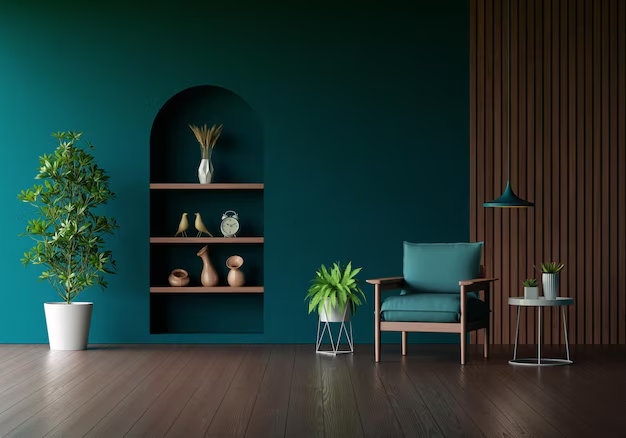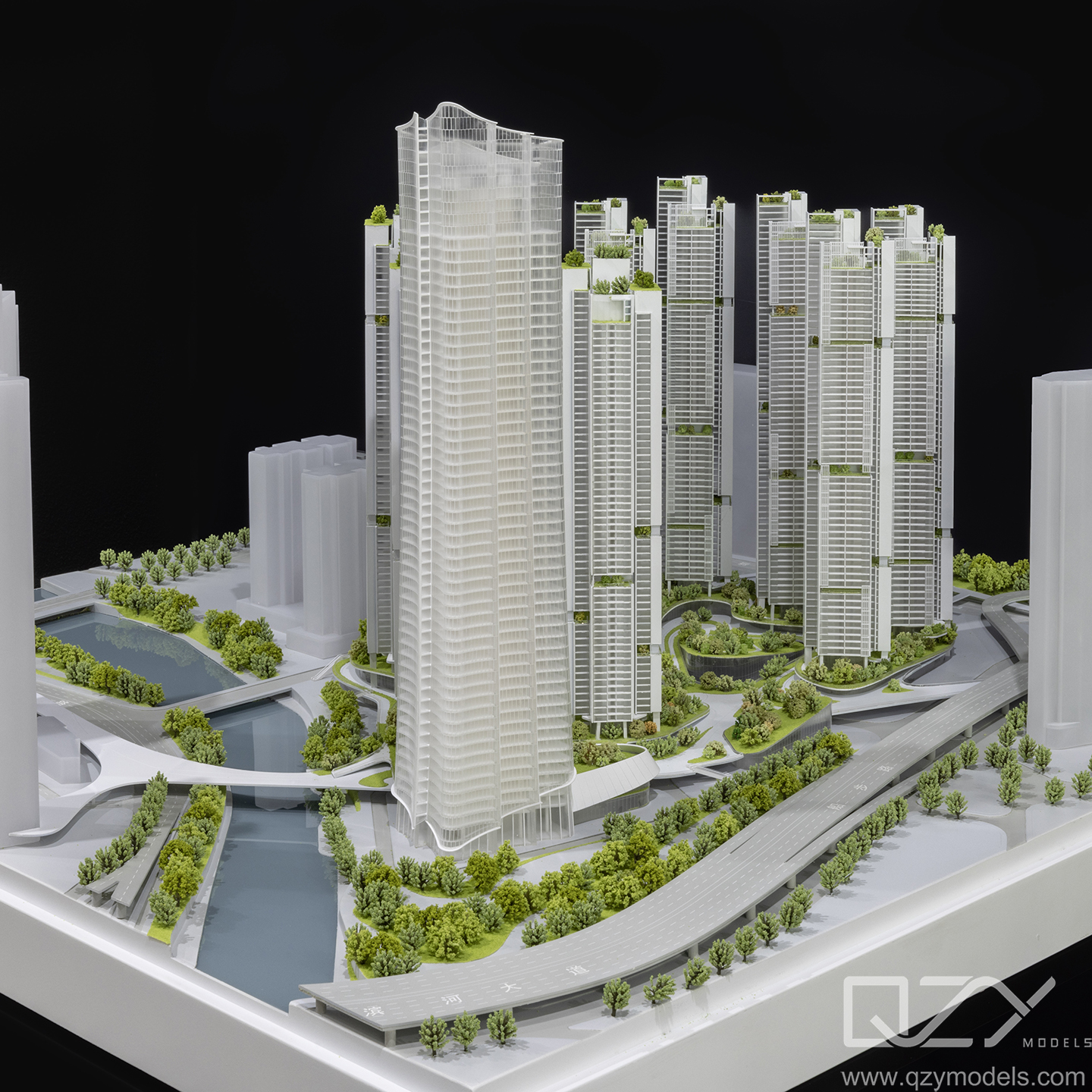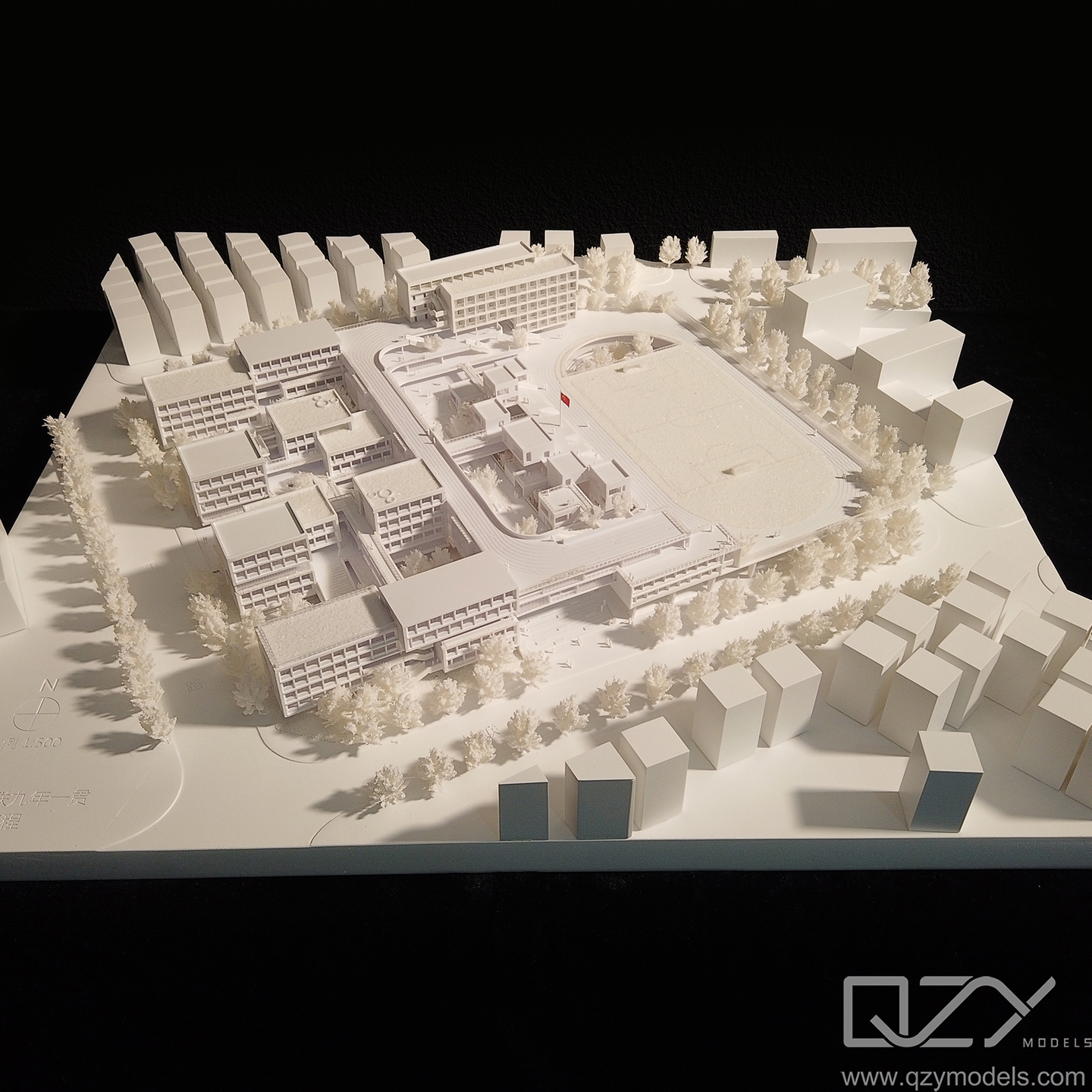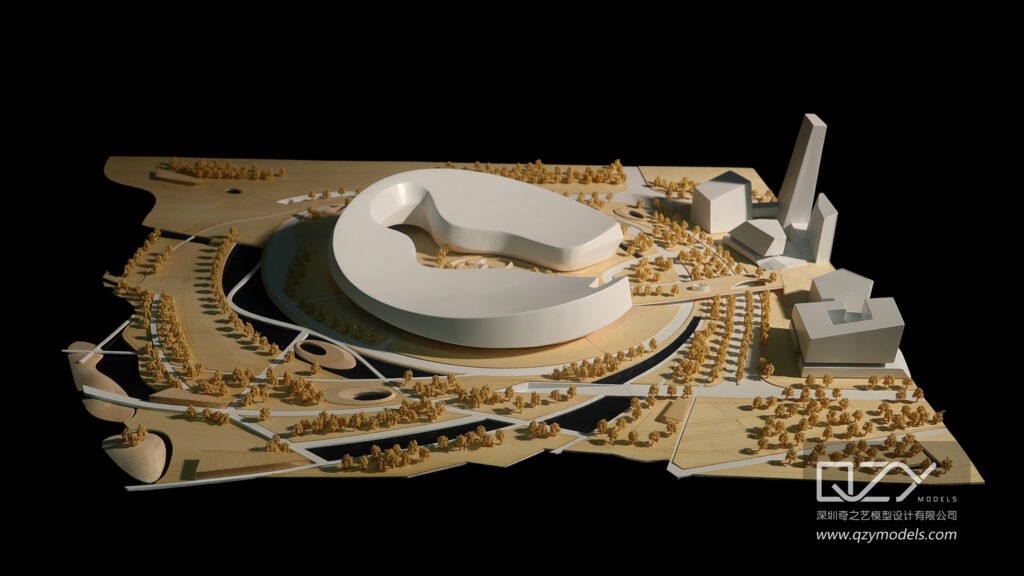
Homeowners and real estate agents today can create photorealistic home layouts, test renovations, and stage virtual properties without hiring an architect or buying expensive software. Free 3D home design platforms now let users experiment with floor plans, furniture, materials, and lighting, while firms like QZY Models can turn those digital designs into precise physical models for sales centers, exhibitions, and investor presentations. This combination of no‑cost visualization tools and professional model‑making services is reshaping how homes are marketed and sold.
How big is the demand for 3D home design today?
The global online interior design market is projected to grow at double‑digit annual rates over the next five years, driven by remote collaboration, virtual staging, and higher buyer expectations for immersive visuals. Real estate portals increasingly require 3D tours and interactive floor plans, and studies show that listings with 3D content can receive significantly more views and faster showings. At the same time, homeowners are more likely to test layouts digitally before committing to costly renovations, which amplifies demand for intuitive, no‑fee design tools.
Why do homeowners struggle with traditional planning methods?
Many homeowners still rely on 2D sketches, paper blueprints, or basic room‑measuring apps, which fail to convey spatial relationships, furniture fit, or lighting effects. Without a clear 3D preview, clients often discover layout problems only after construction begins, leading to change orders, budget overruns, and frustration. Free 3D platforms help bridge that gap by allowing users to walk through rooms virtually, adjust wall positions, and swap finishes in real time.
Why do real estate agents need better visualization tools?
Agents frequently face compressed timelines, remote buyers, and competition from listings that already include 3D tours or virtual staging. Static photos and simple floor plans no longer stand out in crowded marketplaces, especially for luxury or off‑plan properties. When agents can present a fully furnished 3D home, complete with lighting and materials, they shorten decision cycles and increase perceived value. For developers and investors, physical scale models produced by specialists such as QZY Models add a tangible, high‑impact layer to digital visuals.
What are the limitations of traditional design workflows?
Traditional workflows often involve separate tools for sketching, CAD drafting, rendering, and physical model production, creating friction between teams and slowing down feedback loops. Architects may use paid BIM software, contractors work from PDFs, and marketing teams commission physical models late in the process, which increases costs and reduces flexibility. When changes occur, updating both digital files and physical models becomes time‑consuming and expensive.
How do free 3D platforms fall short on their own?
Free 3D home design tools are excellent for concepting and basic visualization but typically lack advanced rendering, parametric modeling, and robust export options needed for construction or large‑scale development. Many free tiers limit file formats, restrict cloud storage, or watermark outputs, which can complicate collaboration with professional model‑making partners. For serious real estate or development projects, users need a bridge from simple drag‑and‑drop interfaces to production‑ready geometry that firms like QZY Models can fabricate accurately.
What are the best free 3D home design platforms?
Several platforms have become go‑to choices for homeowners and agents because they balance ease of use with export capability:
-
SketchUp Free (web) – Intuitive 3D modeling with strong community libraries and export to common formats such as .SKP and .DWG, making it suitable for sharing with model‑making partners.
-
Floorplanner – Web‑based floor‑plan editor with drag‑and‑drop furniture and 3D walkthroughs; ideal for quick layout experiments and client presentations.
-
HomeByMe – Focuses on interior design and furniture arrangement, with realistic materials and lighting previews that translate well into physical model finishes.
-
Roomstyler – Specializes in interior visualization and virtual staging, helping agents show furnished rooms without buying furniture.
-
Planner 5D – Offers both 2D and 3D views with extensive object libraries, useful for early‑stage concepting.
-
Sweet Home 3D – Desktop‑oriented but free, with strong measurement tools and export options that suit detailed planning.
When users export clean geometry and material maps from these platforms, firms like QZY Models can adapt the files for CNC cutting, 3D printing, and hand‑finishing to produce high‑precision physical models.
How does QZY Models fit into this ecosystem?
QZY Models, founded in 2013 in Shenzhen, China, is a leading team specializing in the design and production of high‑quality architectural and industrial physical models. With over 20 years of experience led by founder Richie Ren, the company has delivered thousands of projects for clients in more than 20 countries, including world‑renowned architects and major developers. QZY Models operates branches in the UAE, Saudi Arabia, Egypt, and other markets, enabling global clients to integrate digital home designs into tangible, presentation‑ready models.
What core capabilities do these platforms and model‑makers offer?
Modern free 3D home design platforms typically provide:
-
Drag‑and‑drop floor‑plan editors with wall, door, and window tools.
-
Furniture and fixture libraries with realistic dimensions.
-
Material and color pickers for walls, floors, and finishes.
-
3D walkthroughs or basic rendering views.
-
Export options such as .OBJ, .SKP, .3DS, or .DWG for sharing with professionals.
On the physical side, QZY Models adds:
-
Conversion of CAD and 3D files into manufacturable geometry.
-
CNC milling, 3D printing, and laser cutting for accurate forms.
-
Hand‑painting, texture application, and integrated lighting.
-
OEM and private‑label services for real estate brands and developers.
Together, these capabilities let homeowners and agents iterate digitally at no cost, then commission high‑quality physical models only when the design is finalized.
How do traditional workflows compare with this digital‑physical approach?
| Aspect | Traditional workflow (manual + paid tools) | Free 3D platforms + model‑making partner |
|---|---|---|
| Upfront cost | High (software licenses, consultants) | Low to zero for design phase |
| Speed of iteration | Slow (multiple tools, manual updates) | Fast, in‑browser experimentation |
| Visualization quality | Often limited to 2D or basic 3D | Realistic materials, lighting, walkthroughs |
| Physical model integration | Late, expensive, disconnected | Early‑stage files can drive model production |
| Collaboration with model‑makers | Manual file conversion, higher error risk | Direct use of export formats (e.g., .SKP, .DWG) |
Platforms that export compatible formats reduce friction for partners such as QZY Models, who can directly adapt designs into scaled models without extensive re‑modeling.
How can homeowners and agents start using these platforms?
A typical workflow looks like this:
-
Define the goal – Decide whether the project is a renovation, new build, or marketing model for a listing or development.
-
Choose a platform – Select a tool that matches skill level and export needs (e.g., Floorplanner for quick layouts, SketchUp Free for more control).
-
Create the base plan – Draw walls, doors, and windows using the platform’s measurement tools to match real‑world dimensions.
-
Add furniture and finishes – Populate rooms with furniture, test lighting, and experiment with colors and materials.
-
Export and share – Export to a supported format (such as .SKP or .DWG) and send the file to a model‑making partner like QZY Models.
-
Review and refine – Collaborate on scale, materials, and level of detail for the physical model, then approve for production.
This sequence allows users to validate layouts digitally before committing to physical fabrication, reducing costly mistakes.
What are typical use‑case scenarios?
Scenario 1: Homeowner planning a kitchen remodel
Problem – A homeowner wants to reconfigure a small kitchen but is unsure whether new cabinets will fit or if the layout will feel cramped.
Traditional practice – Relying on hand‑drawn sketches or contractor estimates, often discovering issues only after demolition.
With free 3D platforms – The homeowner uses a tool such as Sweet Home 3D to lay out cabinets, appliances, and countertops, testing multiple configurations.
Key benefit – By the time they contact QZY Models to produce a physical kitchen‑module model, the layout is already validated, saving time and reducing change orders.
Scenario 2: Real estate agent staging a vacant condo
Problem – A vacant unit photographs flat and fails to attract offers in a competitive market.
Traditional practice – Hiring a stager or relying on basic photo editing, which can be expensive and static.
With free 3D platforms – The agent uses Roomstyler or HomeByMe to virtually furnish the unit with modern furniture and lighting.
Key benefit – The digital staging can be reused for listings, brochures, and even as the basis for a small physical model from QZY Models, giving buyers a concrete sense of space and style.
Scenario 3: Developer marketing an off‑plan villa project
Problem – Buyers cannot visualize how an unbuilt villa will feel, which slows pre‑sales and investor interest.
Traditional practice – Presenting only renderings and 2D plans, which lack tactile impact.
With free 3D platforms – The developer’s team uses SketchUp Free or Planner 5D to create detailed 3D homes and master‑plan views.
Key benefit – Those files are then handed to QZY Models to produce scale villa models and site‑master models, enhancing sales‑center presentations and investor meetings.
Scenario 4: Architectural firm pitching to a client
Problem – A firm needs to win a residential project with a compelling visual narrative but has limited budget for high‑end rendering or model‑making.
Traditional practice – Relying on static images or outsourced models at premium prices.
With free 3D platforms – The team builds quick 3D massing and interior views in a free tool, then exports clean geometry.
Key benefit – QZY Models turns those files into a polished physical model that elevates the pitch, helping the firm close the project without upfront rendering costs.
What future trends should homeowners and agents watch?
Three trends are converging: the rise of no‑cost 3D design tools, the growing expectation for immersive property content, and the demand for hybrid digital‑physical presentations. As more buyers shop remotely and developers target international investors, the ability to move seamlessly from a free online layout to a high‑quality physical model becomes a competitive advantage. Firms like QZY Models are positioned to support this shift by offering scalable, OEM‑ready model production that starts with the same files homeowners and agents create in free platforms.
Frequently asked questions
Can free 3D home design platforms really replace professional software?
For early‑stage concepting, client presentations, and basic visualization, free platforms are often sufficient. For detailed construction documentation or large‑scale BIM workflows, professional tools are still required, but free software can feed into those processes and into physical model production.
Do I need technical skills to use these platforms?
Most free 3D home design tools are designed for beginners, with drag‑and‑drop interfaces and guided workflows. Users can start with simple layouts and gradually explore more advanced features without formal training.
Can QZY Models create physical models from free 3D designs?
Yes. QZY Models regularly converts exported files from SketchUp Free, Floorplanner, HomeByMe, and similar platforms into accurate physical models, adapting geometry, materials, and lighting to match the digital design.
How long does it take to produce a home model?
Small residential display models typically take about 10–20 days depending on scale, detail, and materials. Larger or more complex projects may require additional time, especially if multiple revisions are needed.
Do Chinese model‑making suppliers offer OEM or private‑label services?
Yes. QZY Models provides OEM and private‑label options, allowing real estate firms, developers, and agencies to brand models with their own logos and corporate identity for sales centers, exhibitions, and investor briefings.
Sources
-
QZY Models – What Are the Best Free Online 3D Home Design Tools for Beginners and Hobbyists?
-
QZY Models – Which Are the Best Free 3D Home Design Platforms for Homeowners and Real Estate Agents?
-
QZY Models – What Are the Best Free 3D Home Design Software Options for Architects and Real Estate Developers?
-
QZY Models – How Do Architectural Model Homes Elevate Project Visualization?
-
QZY Models – Official company website and services overview
-
QZY Models – 3D printing architectural models and premium model‑making services launch
-
QZY Models – LinkedIn company profile and project references
-
Architectural model‑making and 3D printing coverage in industry news outlets (e.g., ABNewswire, Financial Content)